Spendflo centralizes your software contracts to help you manage vendor relationships and optimize SaaS spend. To make contract management even more efficient, Spendflo introduces global agreement search and AskAI (powered by Flo AI). This feature allows you to quickly locate contracts and use natural-language prompts to extract key details, summarize agreements, and retrieve critical contract terms instantly.
Accessing Your Contracts
To begin managing and reviewing your agreements, you must navigate to the Contracts section within the Spendflo platform. Follow these steps to access your contracts list:
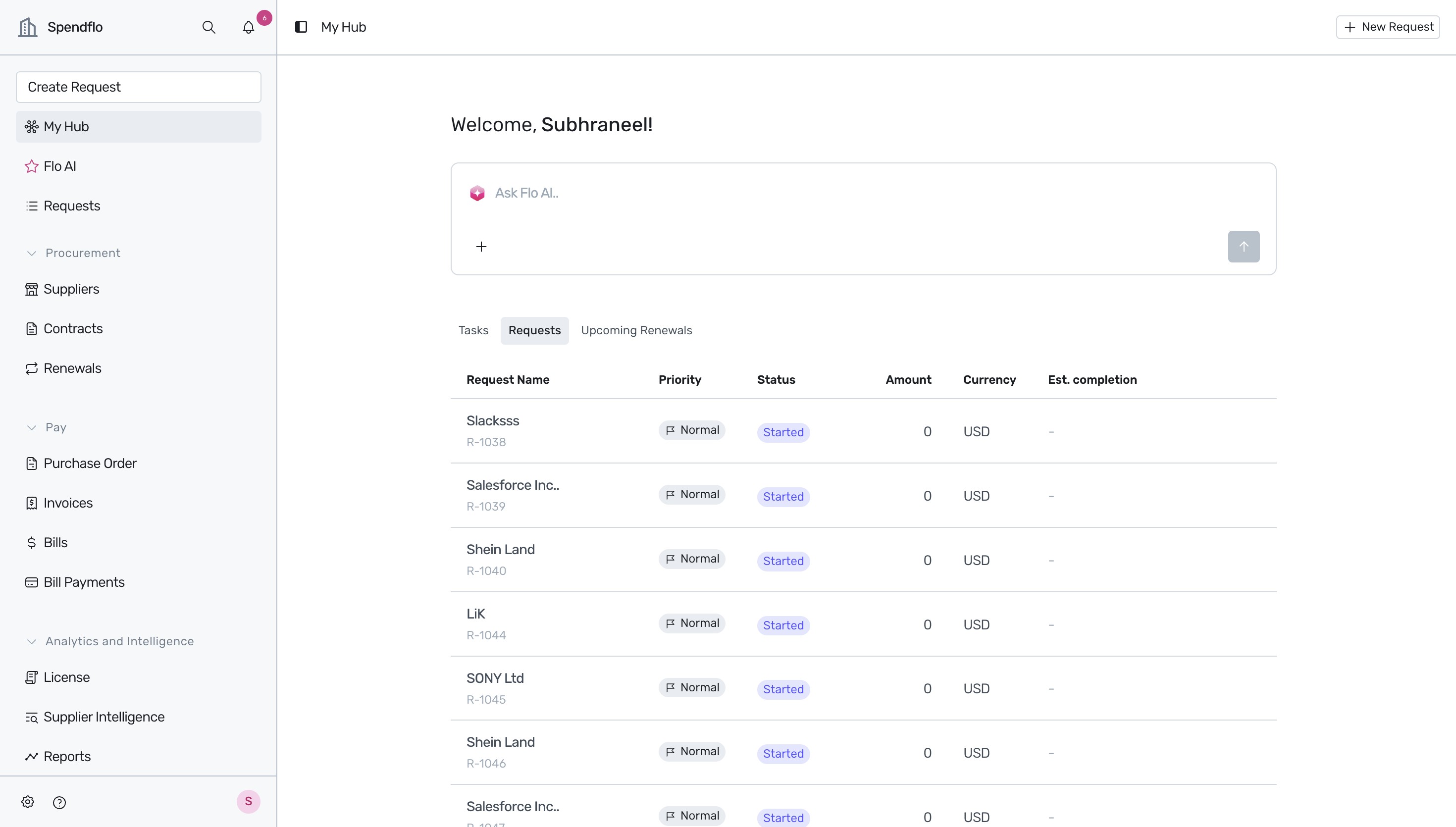
Upon logging into the Spendflo platform, you will land on the My Hub dashboard. To manage your agreements, click Contracts in the navigation sidebar.
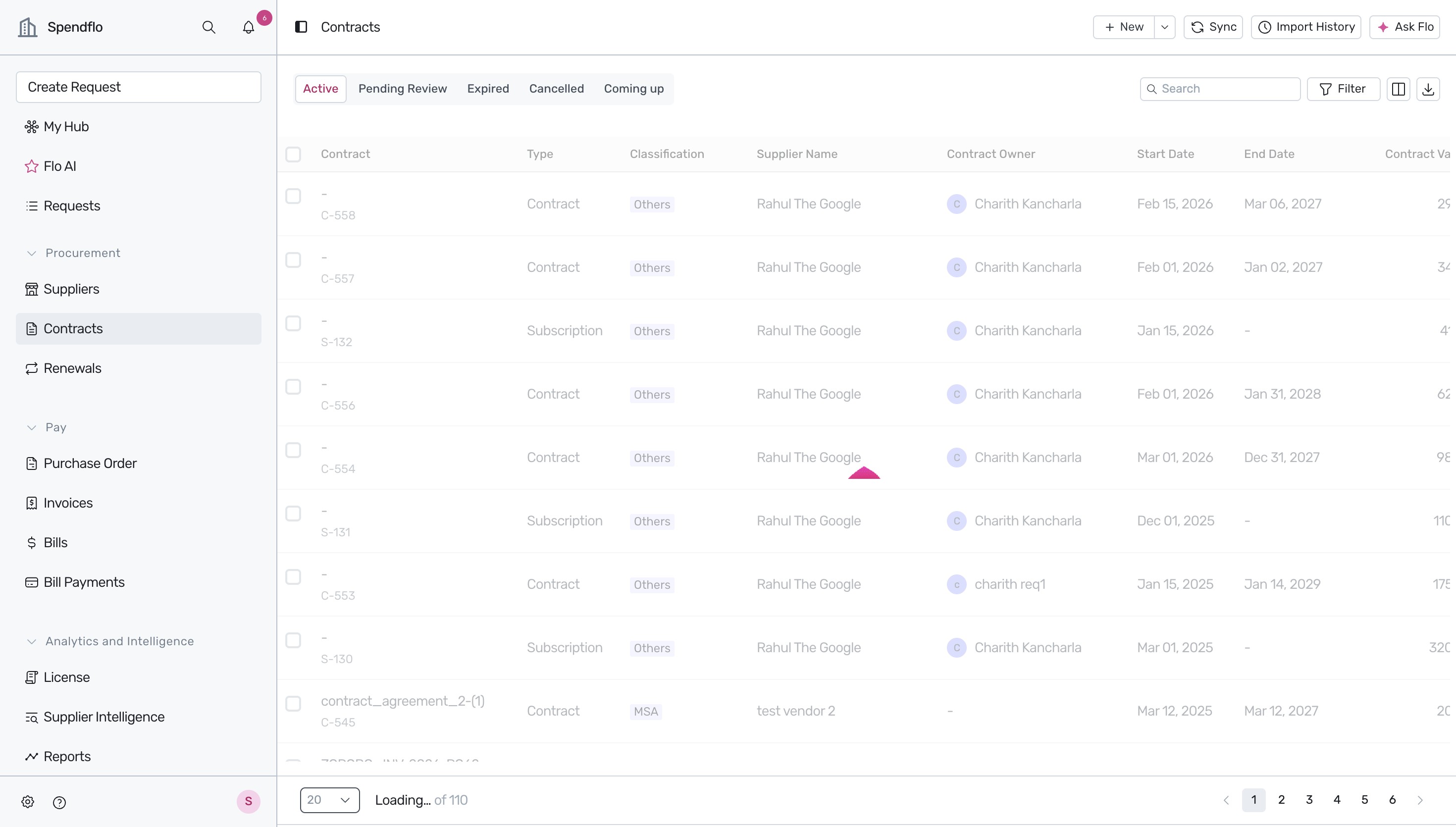
This action takes you to the Contracts page, which displays a comprehensive list of all your active, pending review, expired, cancelled, and upcoming agreements.
Selecting a Contract and Accessing Flo AI
Once you are on the Contracts page, you can select any agreement to view its details and interact with the Flo AI assistant:
Locate the desired agreement in the list and click its ID or name. For example, select contract S-132 for the supplier Rahul The Google.
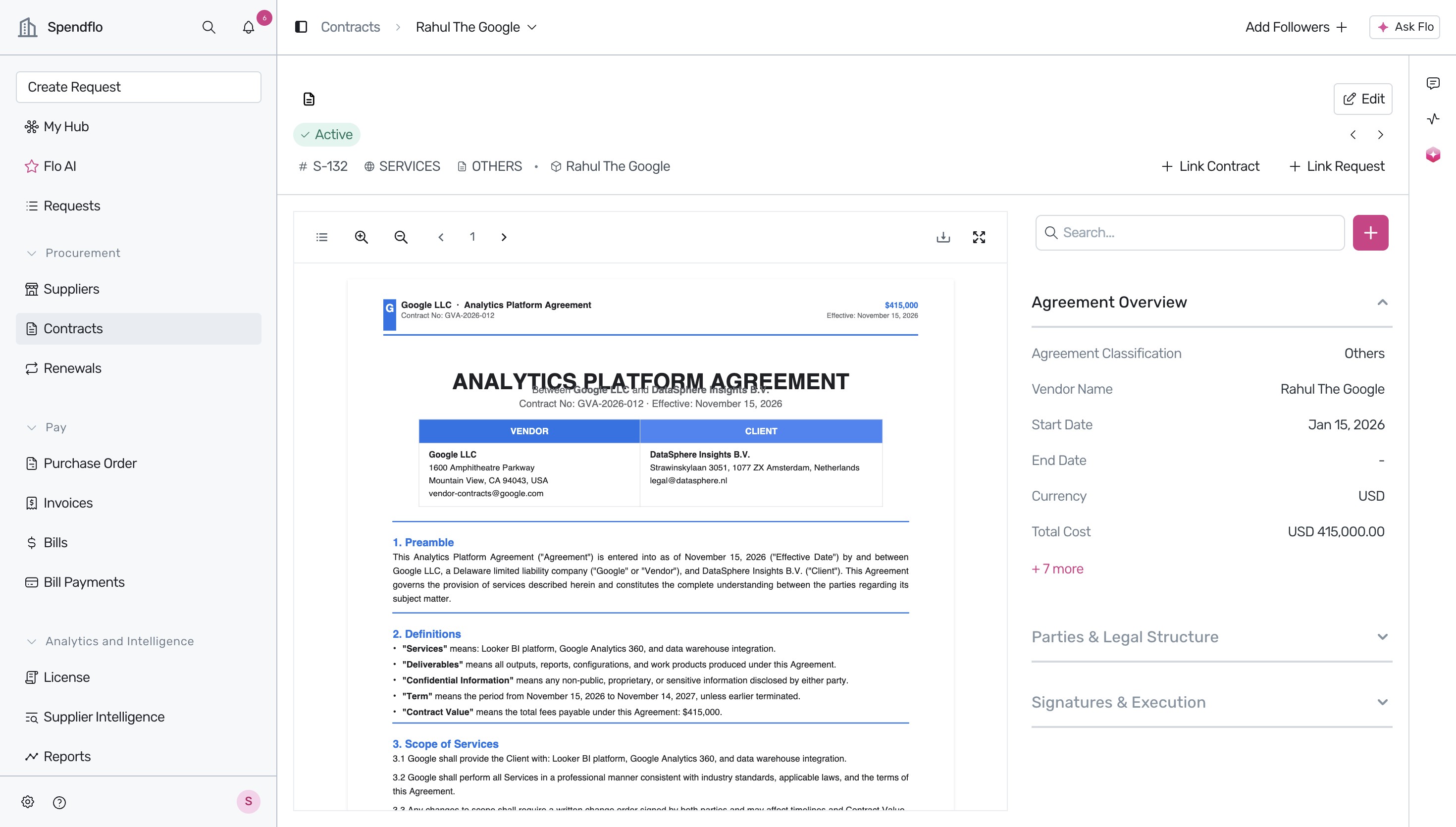
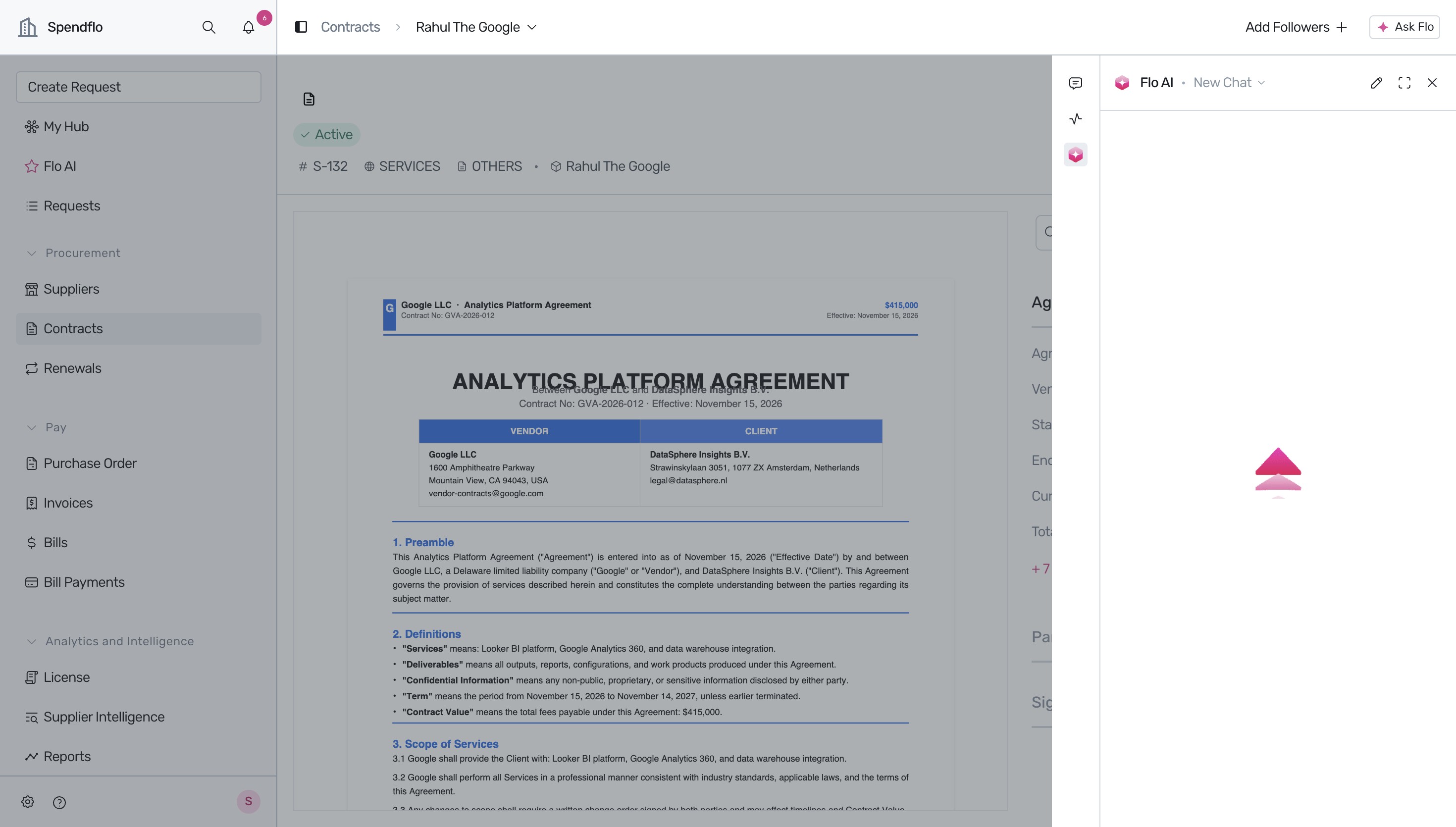
On the contract details page, you can view the uploaded contract document and its overview. To use the AI assistant for this contract, click the Flo AI icon in the sidebar.
Interacting with AskAI
The AskAI interface allows you to query your contract using natural language, similar to how you interact with Spendflo Copilot. Follow these steps to request a contract summary:
Click inside the Ask Flo AI... text area at the bottom of the Flo AI panel. Type a request, such as "Give me a summary of this agreement" and press Enter.
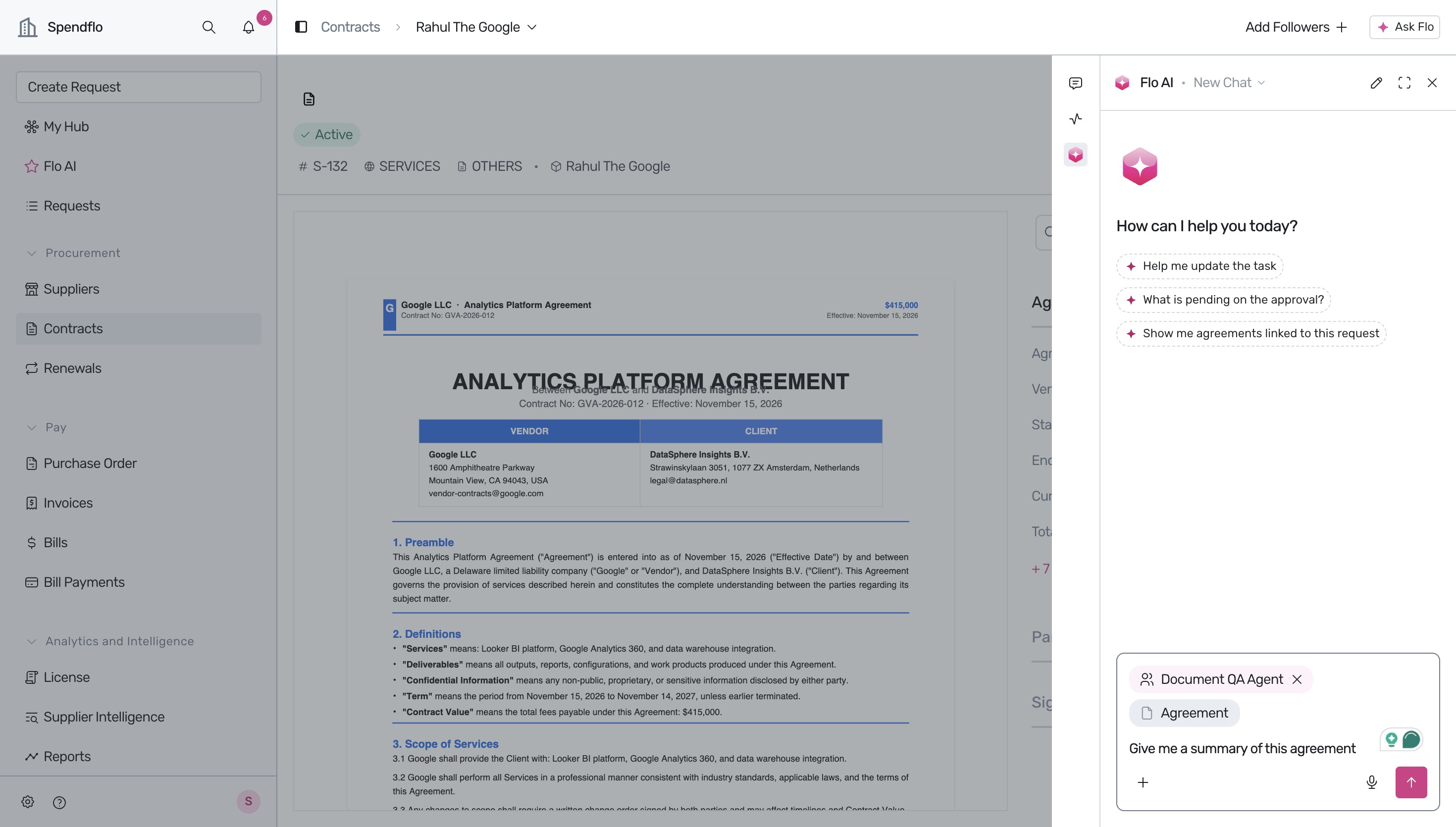
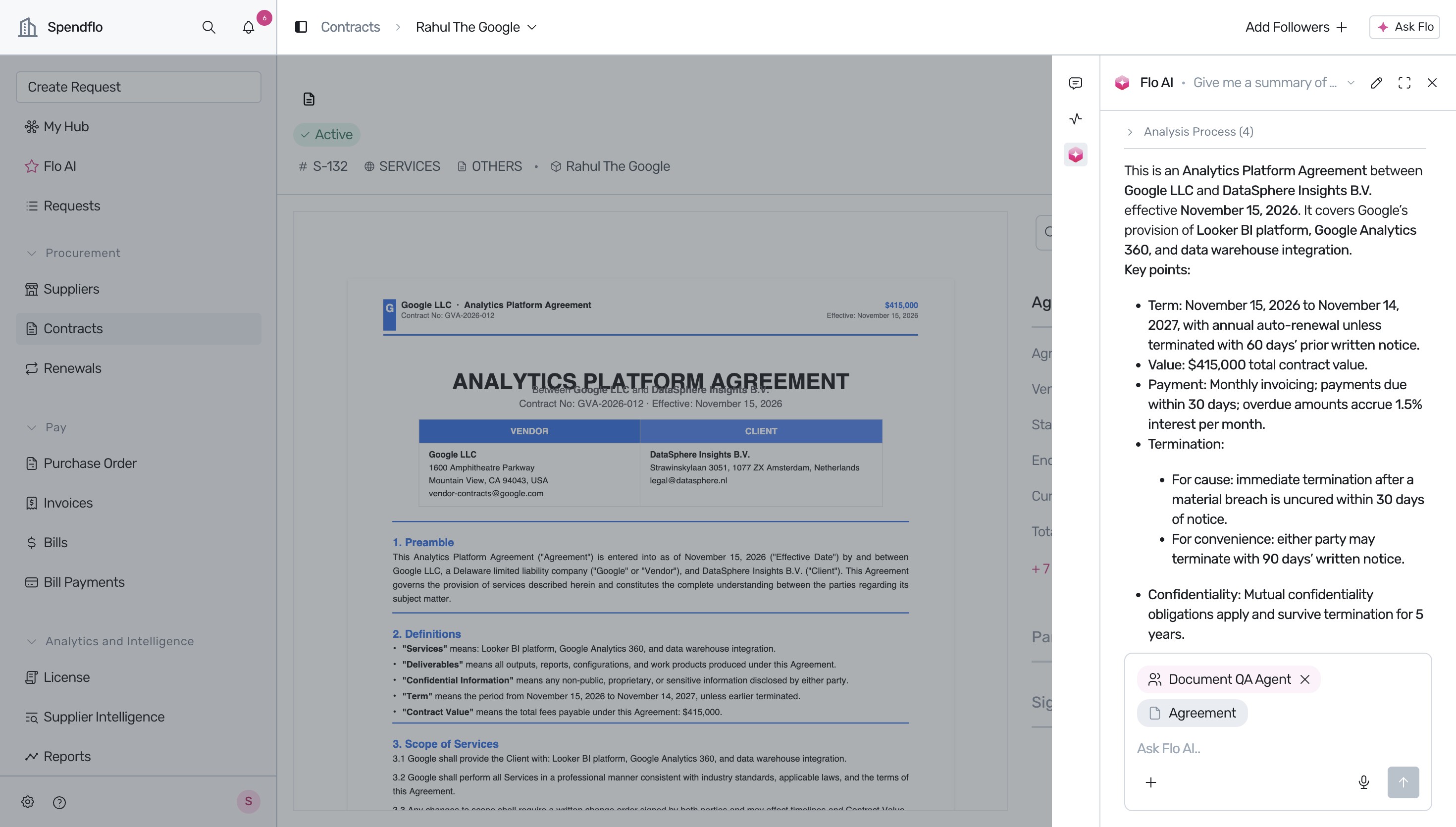
Flo AI will analyze the agreement and generate a structured summary highlighting key contract parameters such as the contract term, total value ($415,000), payment terms, and termination clauses.
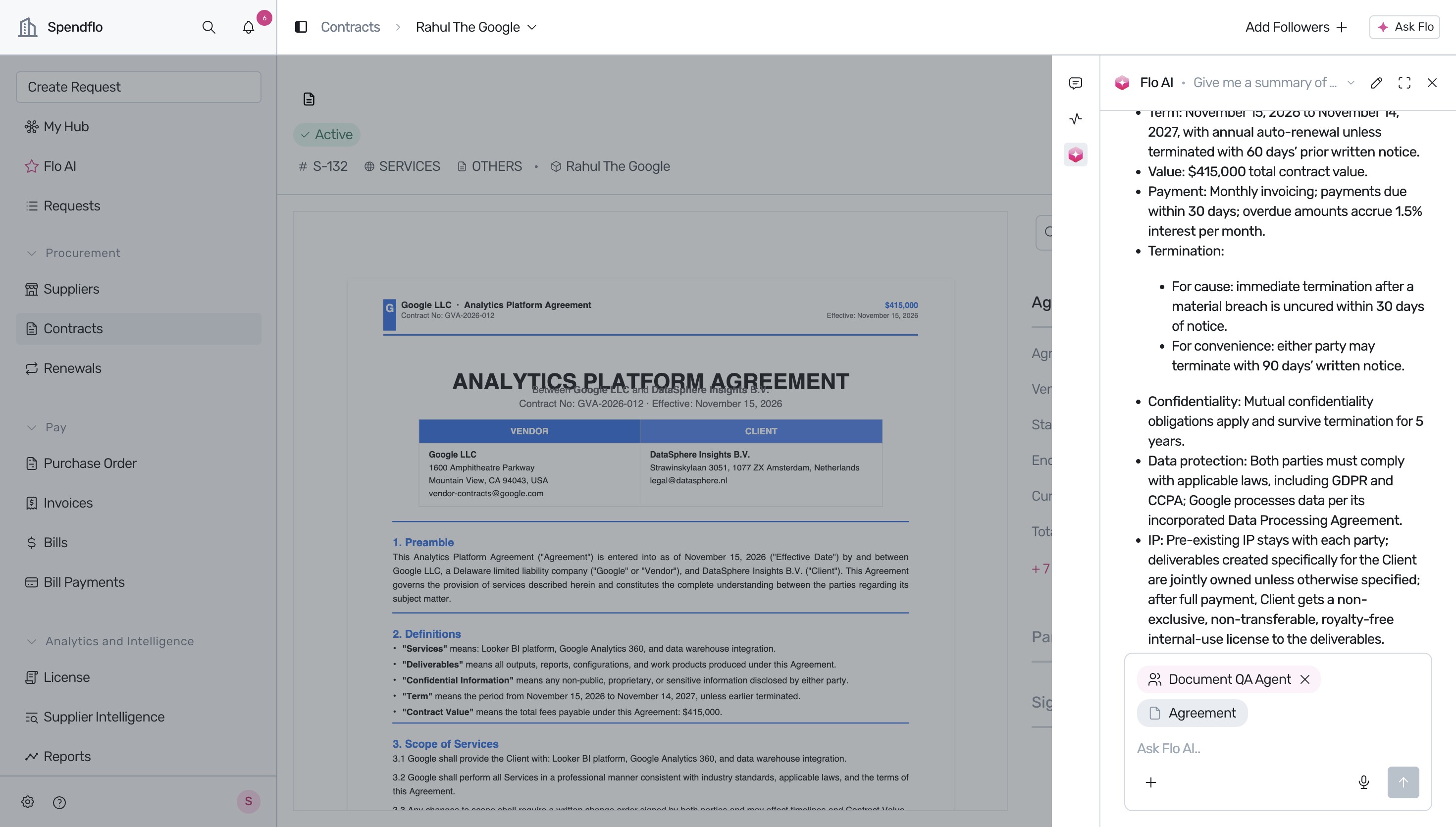
Scroll down within the Flo AI panel to read the remaining details of the summary, which include confidentiality agreements, data protection compliance (such as GDPR or CCPA), intellectual property rights, and liability caps.
Next Steps
Now that you know how to search and query your agreements using AskAI, you can explore other contract management features in Spendflo.
Was this article helpful?
That’s Great!
Thank you for your feedback
Sorry! We couldn't be helpful
Thank you for your feedback
Feedback sent
We appreciate your effort and will try to fix the article