Spendflo helps you optimize your SaaS ecosystem by providing transparent, data-driven insights. While the Vendor Management module tracks your internal vendor records and active contract spend, the Supplier Intelligence dashboard provides external benchmarks, pricing data, and market alternatives. This intelligence helps you prepare for negotiations and make informed procurement decisions.
Accessing the Supplier Intelligence Dashboard
Follow these steps to explore supplier intelligence and benchmarks:
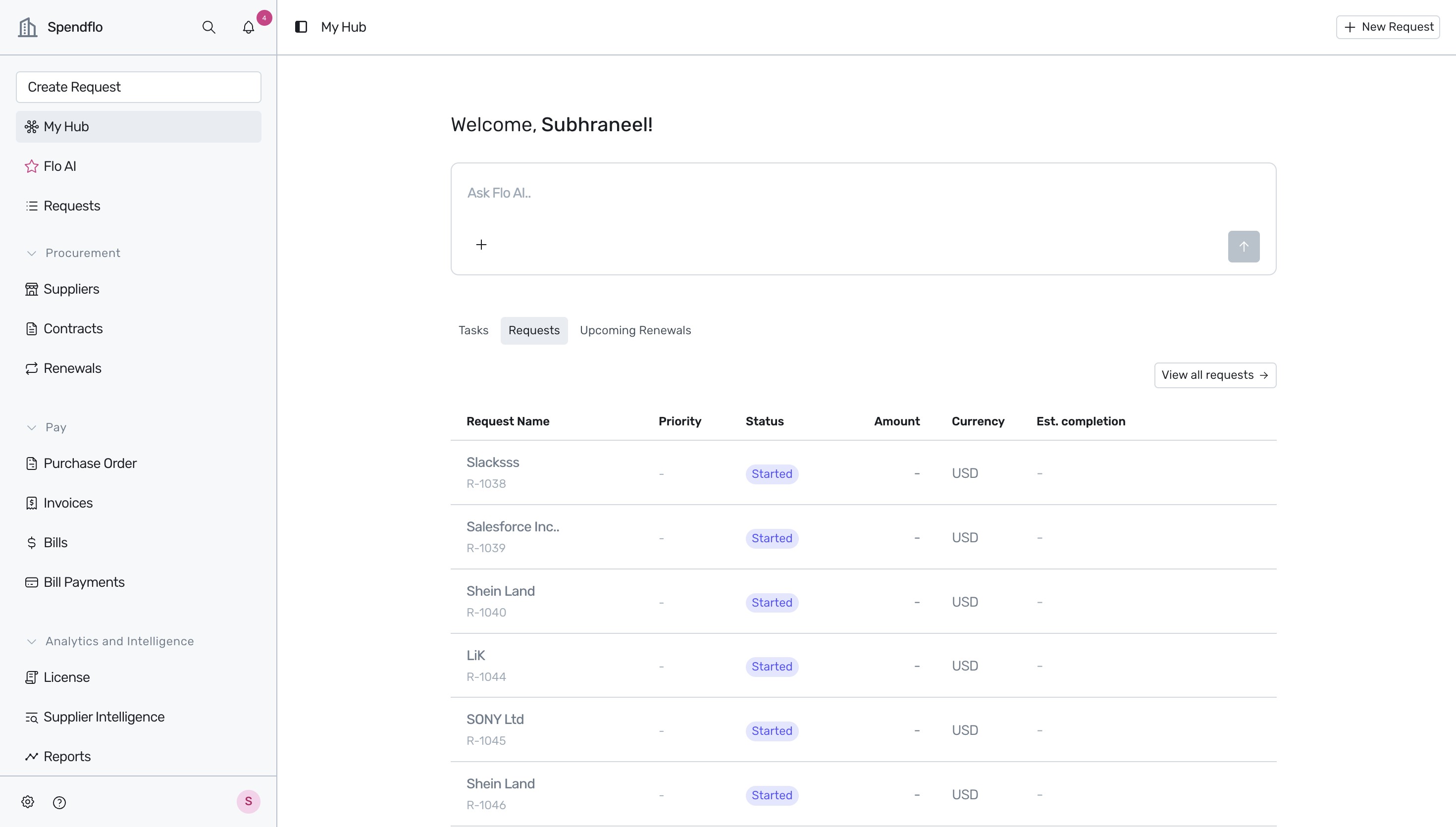
- Locate the navigation sidebar on the left side of the screen. Click on Supplier Intelligence under the Analytics and Intelligence category to access vendor benchmarks and spend insights.
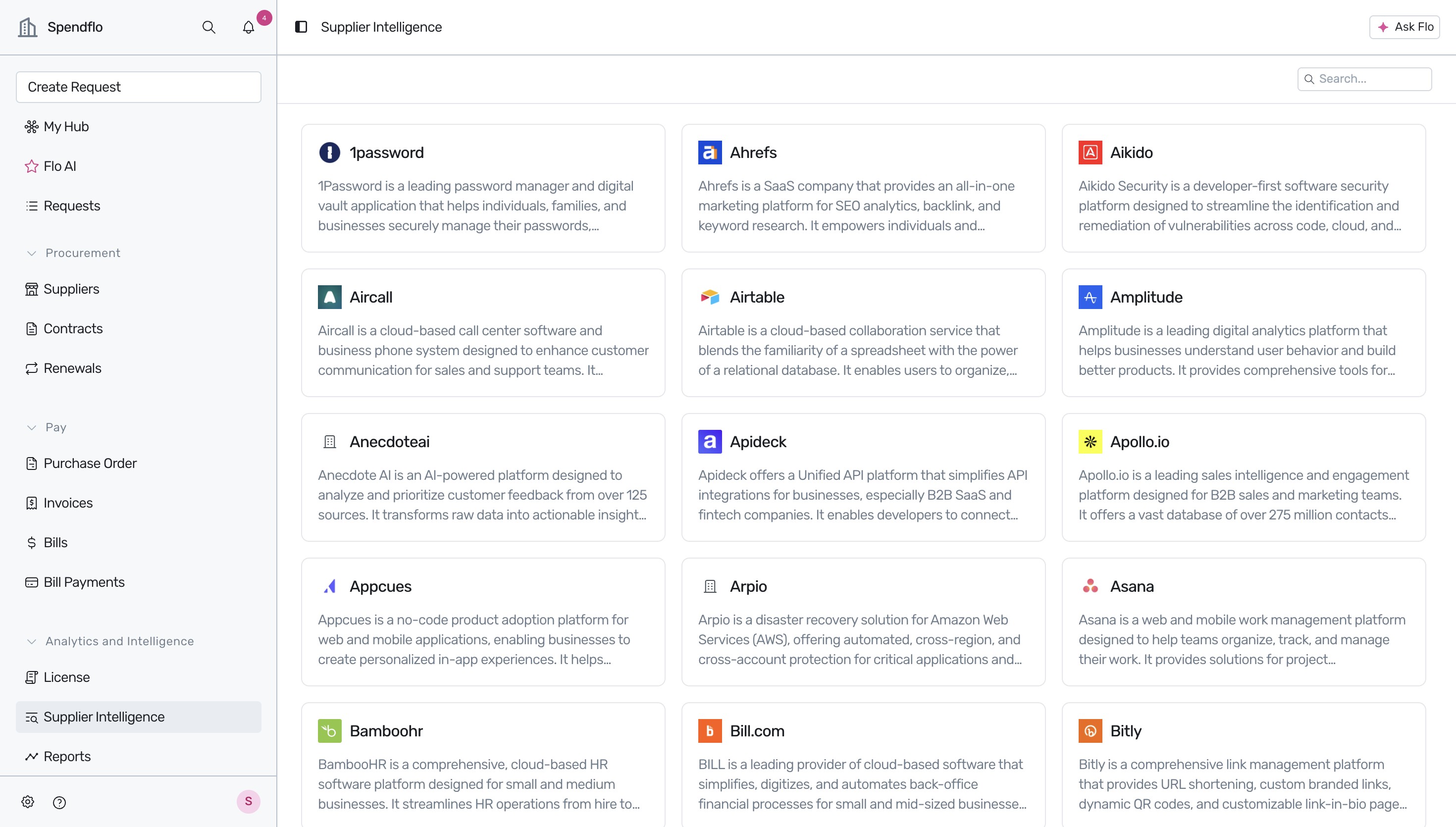
- On the Supplier Intelligence dashboard, you can view a comprehensive directory of software suppliers. To view detailed insights for a specific vendor, click on their card (for example, click on 1password).
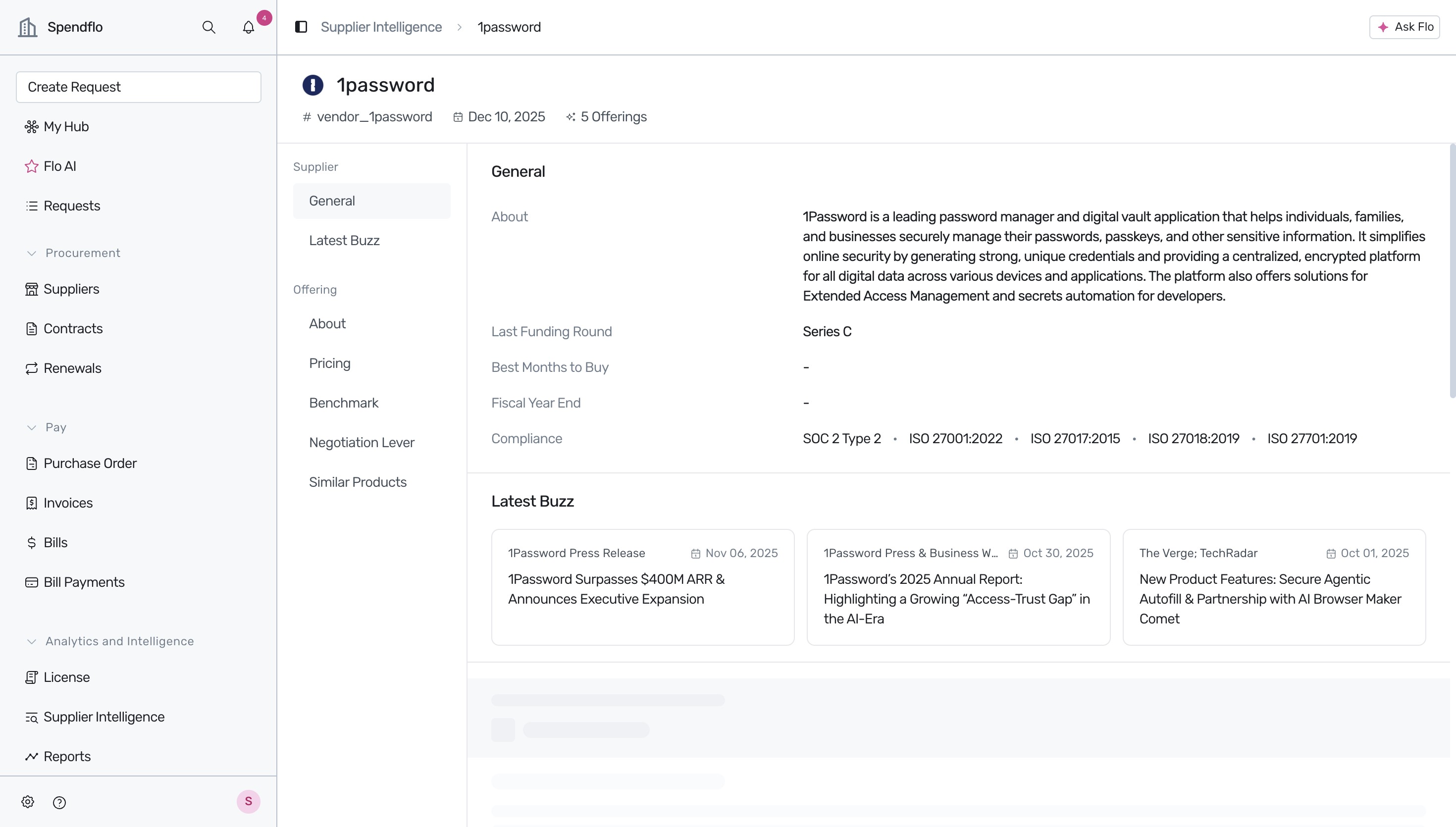
- Review the supplier's detail page. The Overview tab displays general company information, compliance certifications, and the latest news under the Latest Buzz section.
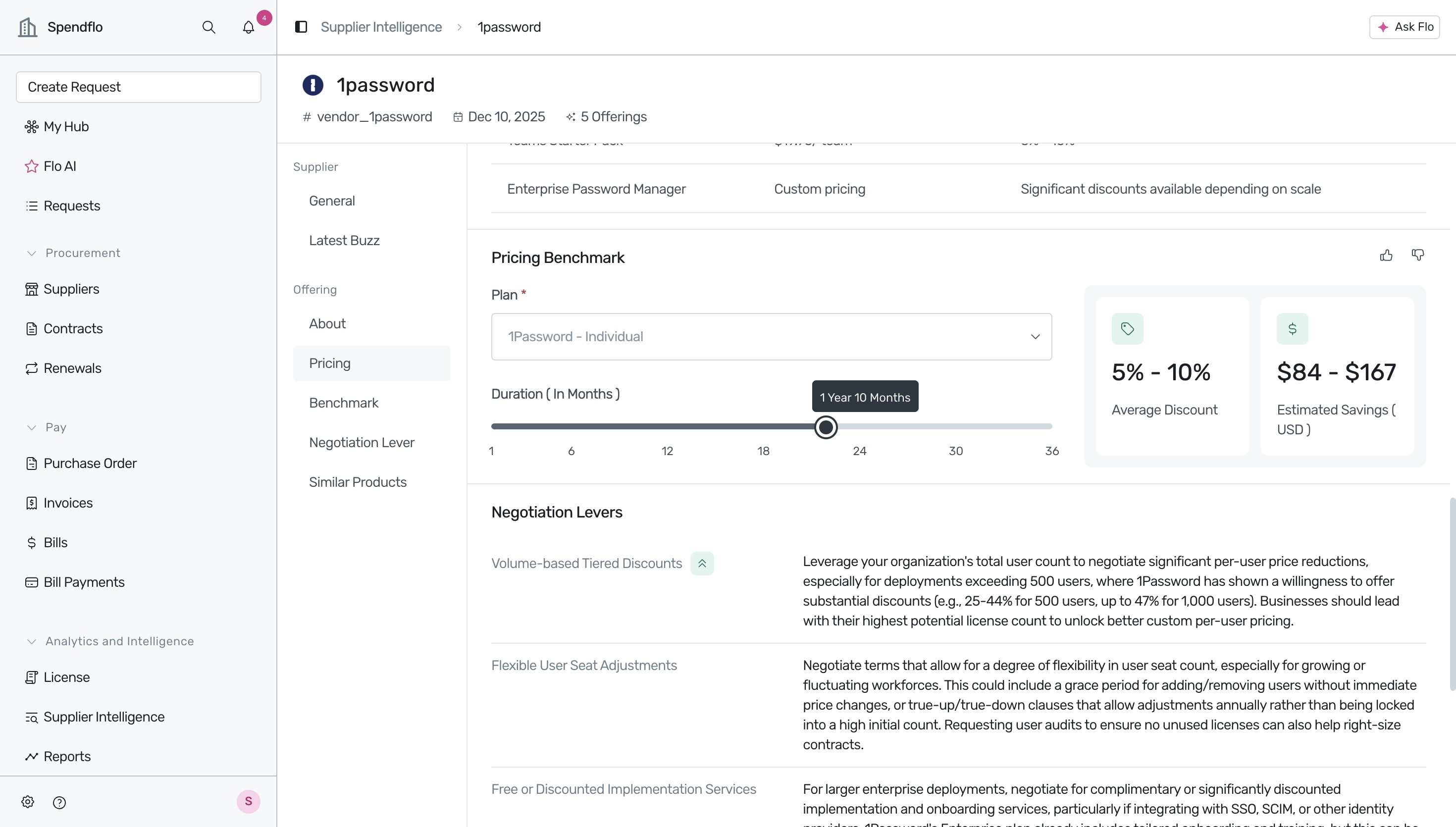
- To analyze pricing benchmarks, click on Pricing in the inner navigation menu on the left. This section features a Pricing Benchmark tool that estimates average discounts and savings based on contract duration.
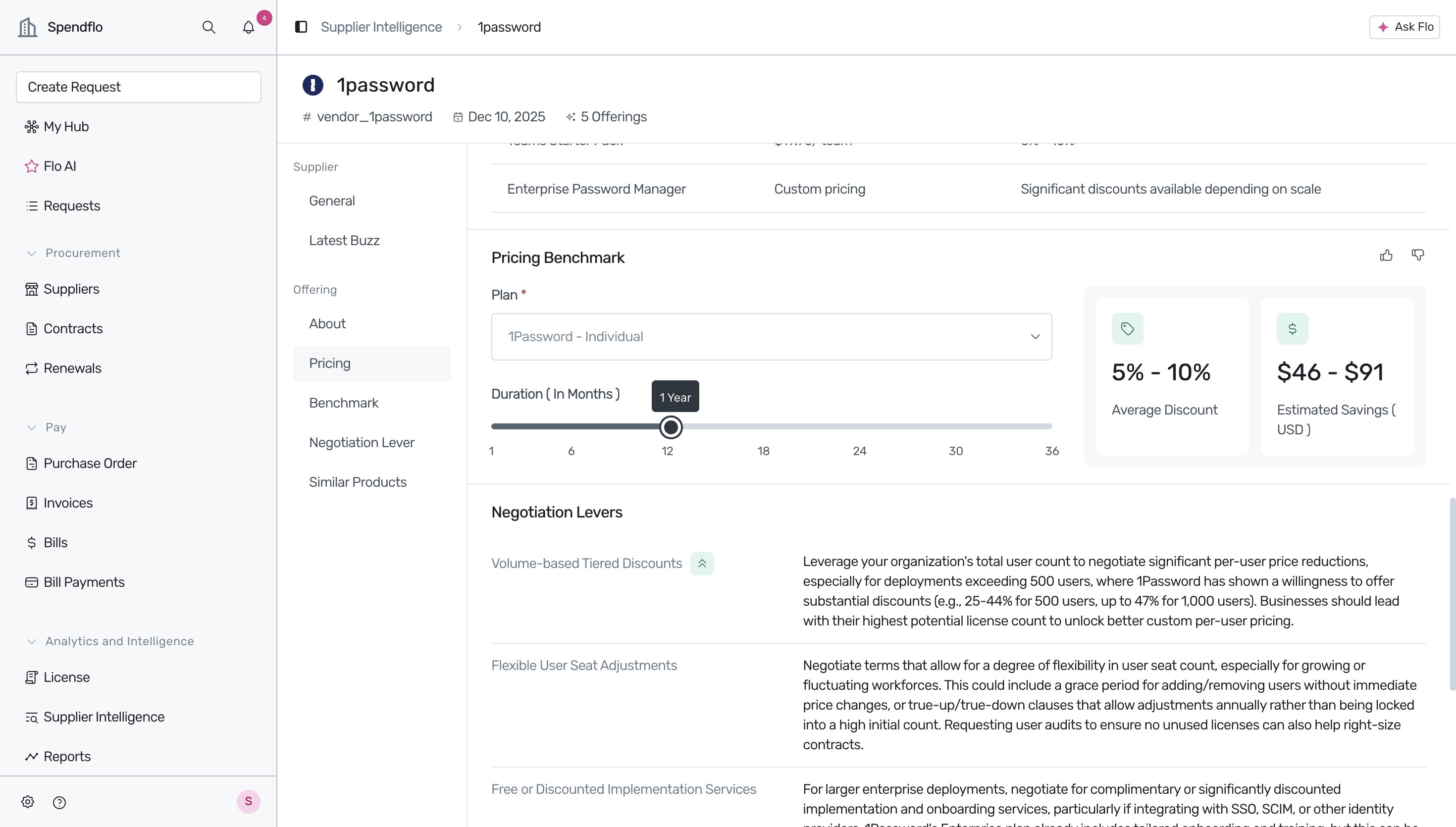
- Interact with the Pricing Benchmark slider by dragging it to adjust the contract duration (e.g., to '1 Year 10 Months'). The estimated savings and average discount ranges will update dynamically.
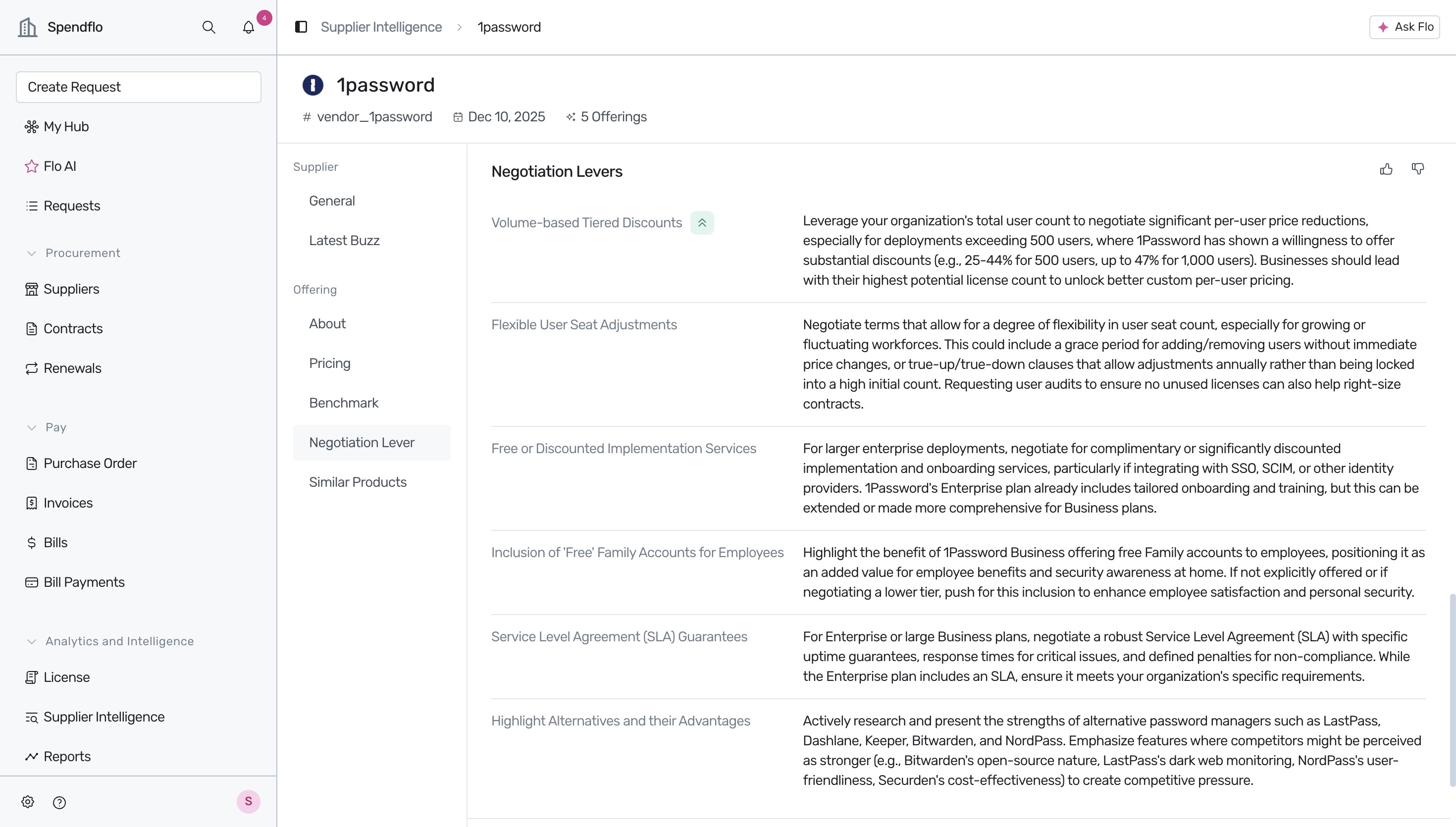
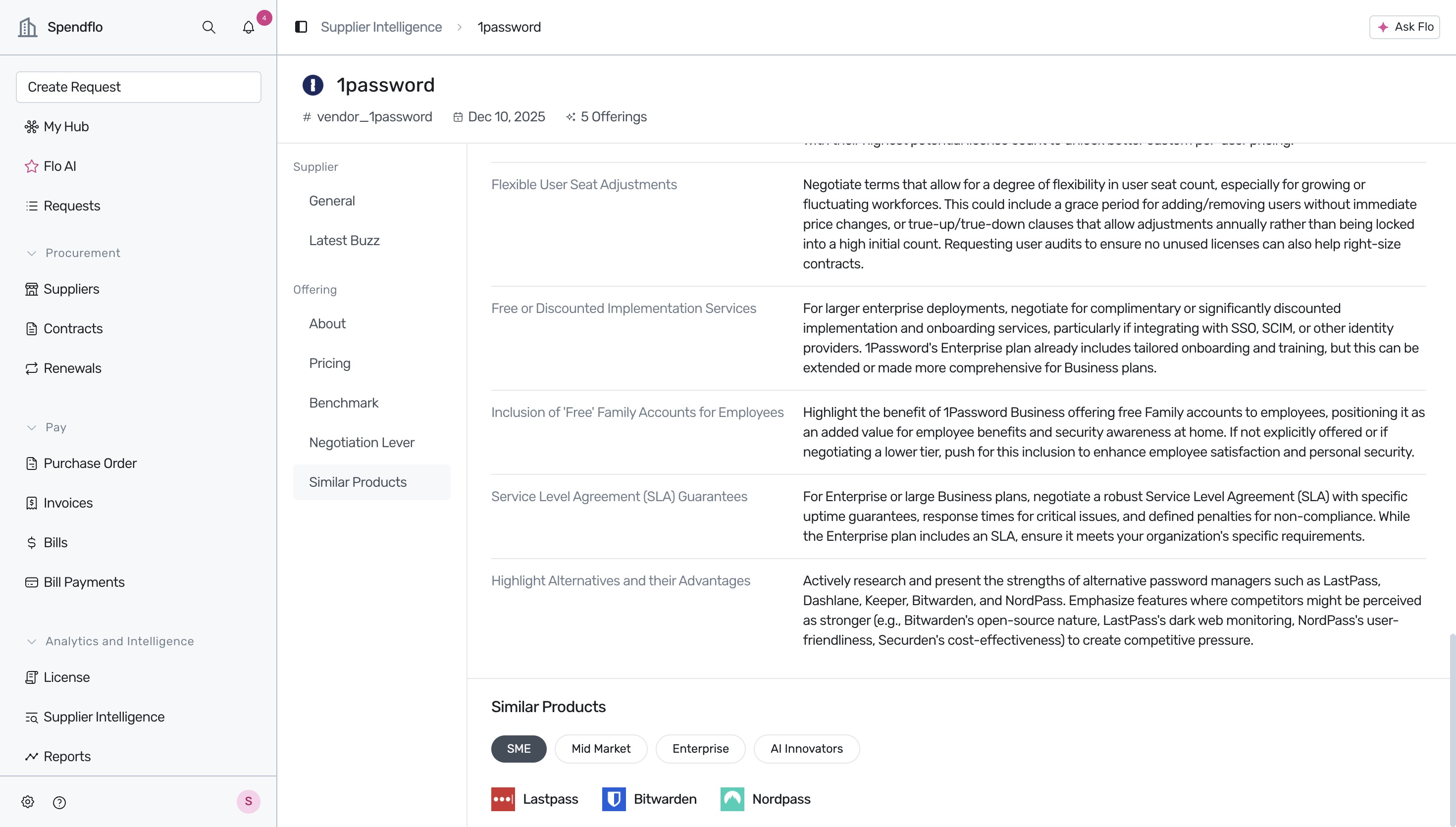
- Click on Negotiation Lever in the inner navigation menu to view actionable negotiation strategies tailored for this supplier, such as volume-based tiered discounts and flexible user seat adjustments.
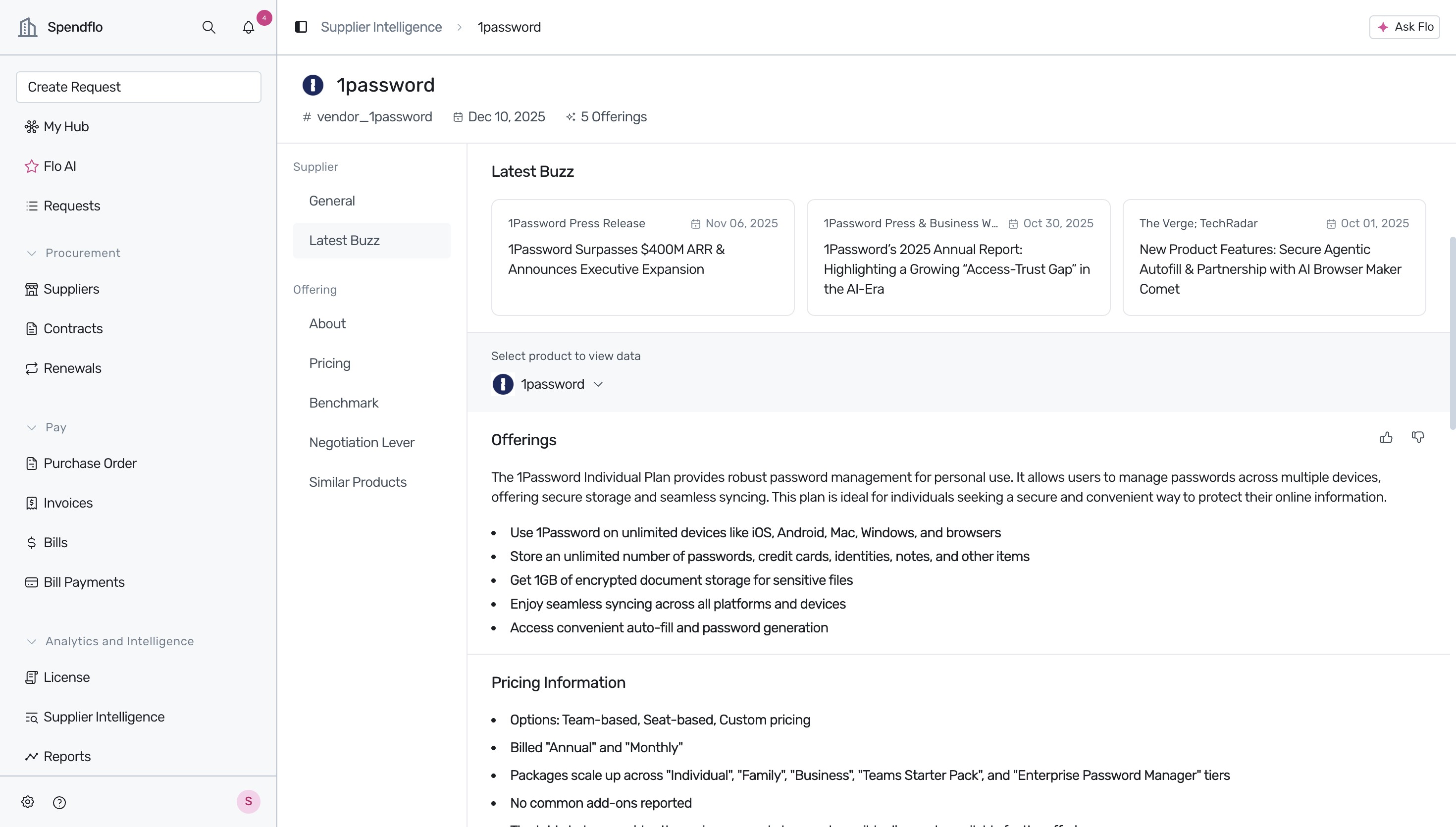
- Click on Latest Buzz in the inner navigation menu to scroll up and view recent press releases, industry news, and detailed plan offerings for the supplier.
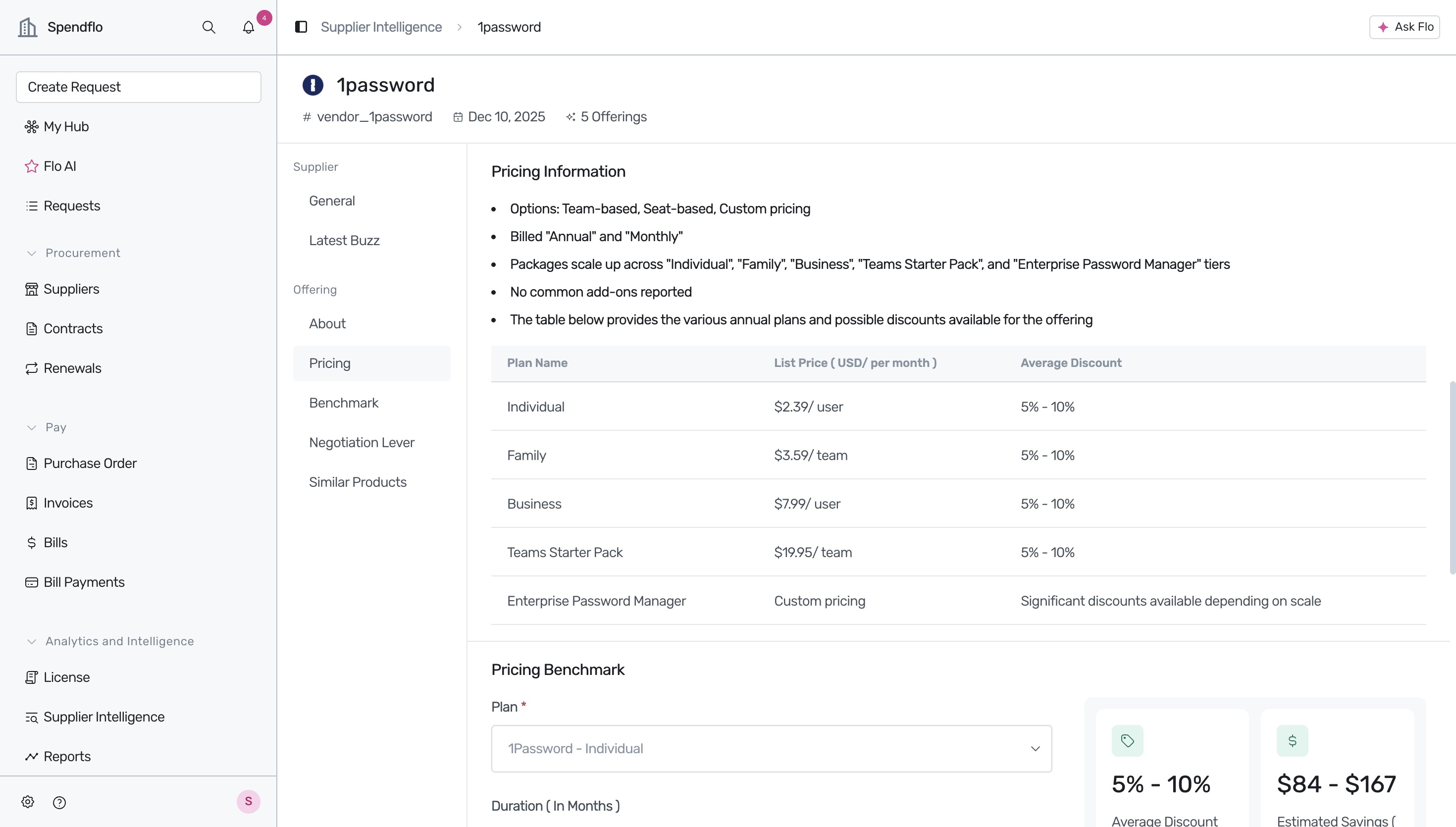
- Click on Pricing in the inner navigation menu again to view the detailed Pricing Information table, which outlines list prices and average discounts across various tiers (such as Individual, Family, and Business).
- Click on Similar Products in the inner navigation menu to view alternative solutions categorized by target market segments (e.g., SME, Mid Market, Enterprise, AI Innovators) to assist with competitive analysis.
Leveraging Supplier Intelligence for Smart Procurement
In addition to the Supplier Intelligence dashboard, you can retrieve pricing benchmarks directly within your Slack workspace. Use the /flo-view-benchmark [product_name] command to instantly view benchmark data without leaving your chat window. For more details on this integration, see our guide on Using Commands on Slack.
Evaluating Alternatives and User Overlap
When reviewing the Similar Products tab, you can identify alternative solutions categorized by target market segments. To perform a deeper analysis of how these alternatives might impact your current software footprint, you can analyze shared users across overlapping tools. See our article on Similar apps and user overlap to learn how to identify redundant subscriptions and optimize user seat allocation.
Next Steps
Now that you know how to access supplier benchmarks and negotiation levers, you can apply these insights to optimize your SaaS spend. We recommend exploring the following resources to further enhance your procurement workflow:
- To track your organization's overall SaaS spend and analyze financial trends, see About spend insights.
- To understand how to manage active contracts and track trailing twelve-month spend, see Understanding the vendor listing table.
- For a comprehensive overview of negotiation outcomes and savings reports, see Buying Hub Reports.
Was this article helpful?
That’s Great!
Thank you for your feedback
Sorry! We couldn't be helpful
Thank you for your feedback
Feedback sent
We appreciate your effort and will try to fix the article