In Spendflo, prioritizing your procurement requests is essential for ensuring critical software purchases and renewals are processed quickly. If a request requires immediate attention, you can easily escalate its priority by flagging it as urgent directly from the Requests dashboard.
Step-by-Step Guide
- Navigate to the Requests section by clicking on the Requests option in the navigation menu.
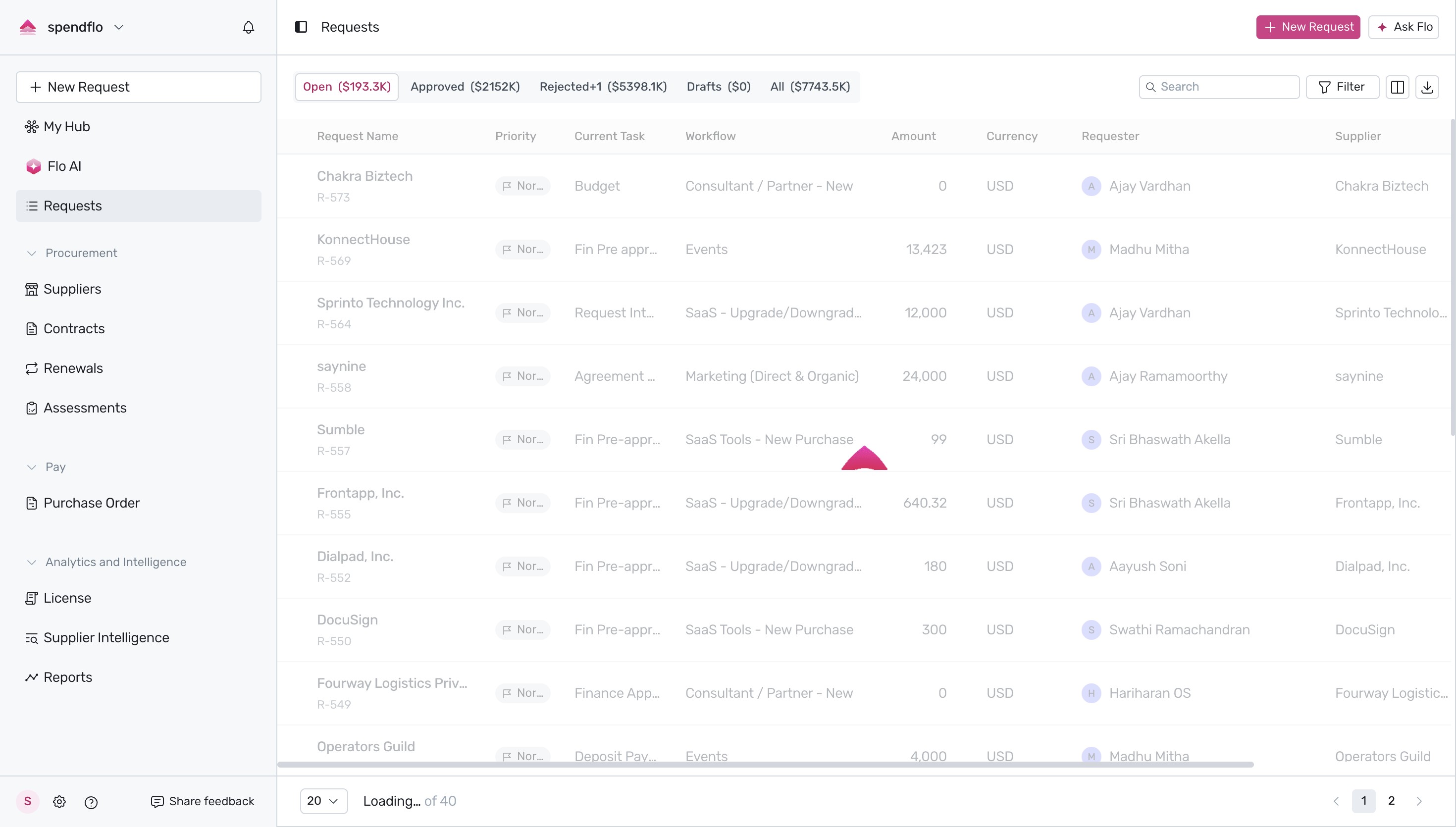
- On the Requests dashboard, locate your active request under the Priority column. By default, requests are assigned a Normal priority status. Hover over the priority badge to see the "Click to mark as urgent" tooltip.
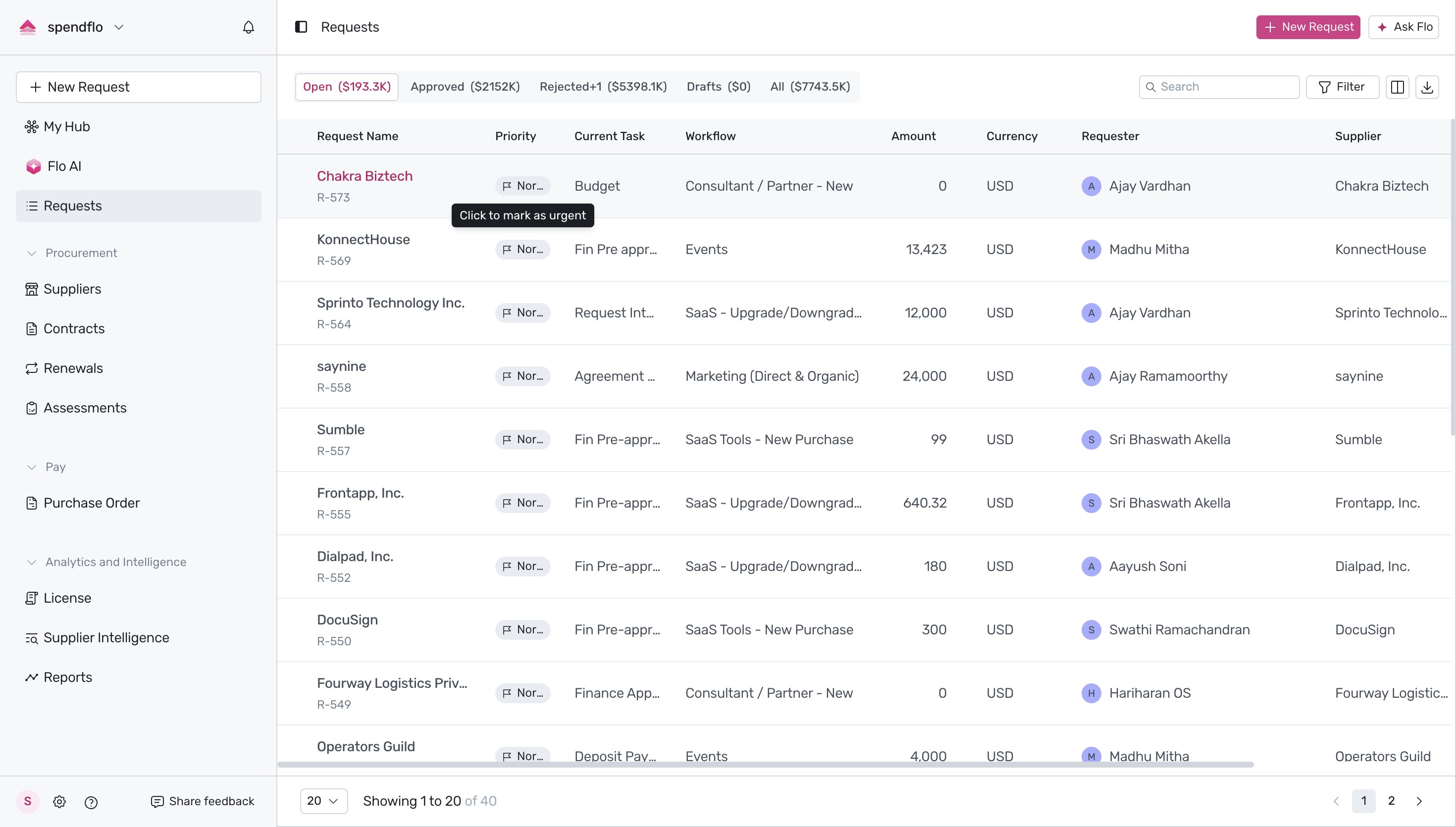
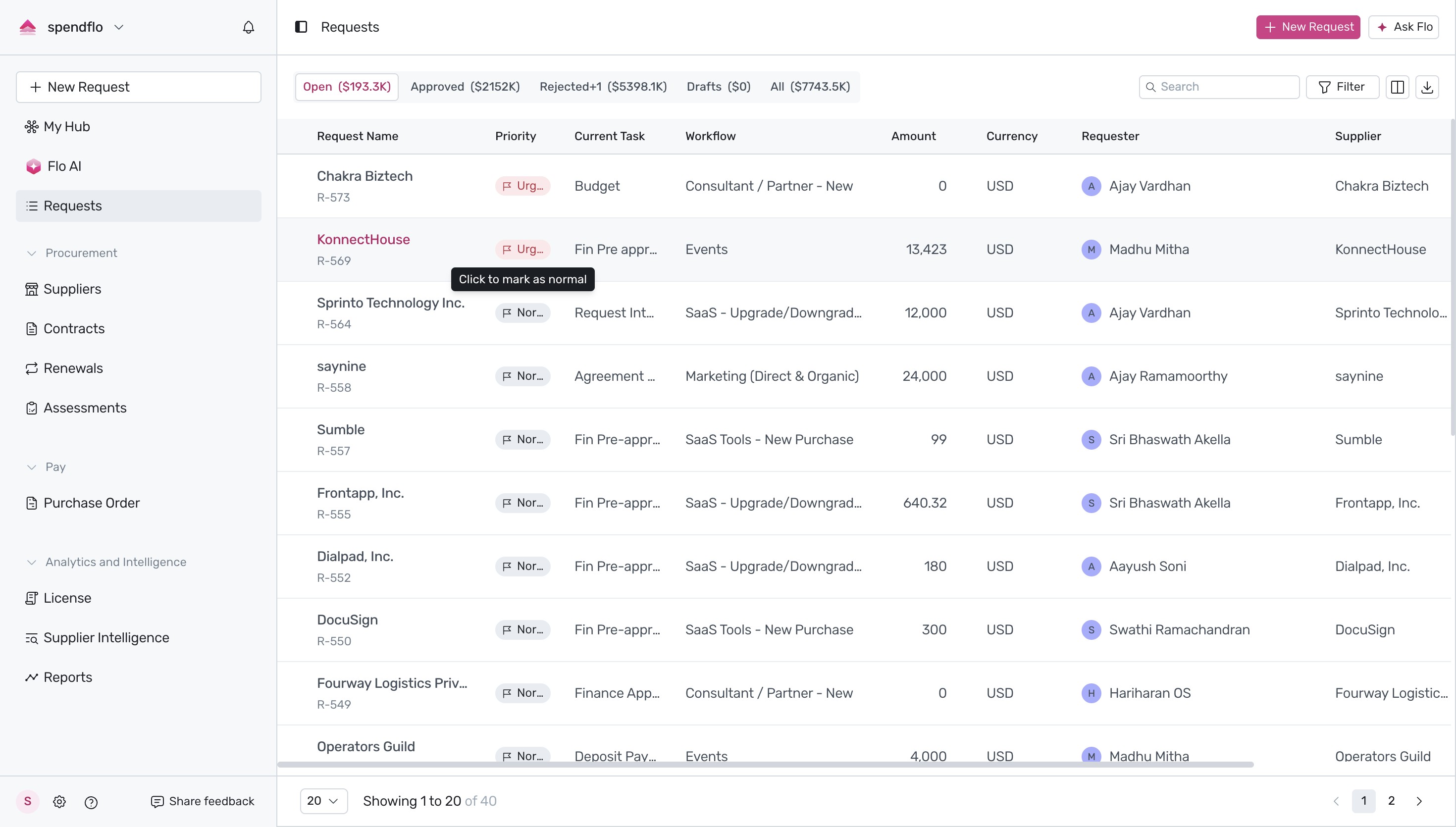
- Click directly on the Normal priority badge to escalate the request. The badge will instantly change to a red Urgent status. If you need to revert this change, hover over the urgent badge and click it again to mark it back as normal.
Next Steps
Now that you know how to prioritize your requests, you can learn more about managing your dashboard by reading our guide on How to manage request views or explore the About request details page to track your urgent requests in detail.
Was this article helpful?
That’s Great!
Thank you for your feedback
Sorry! We couldn't be helpful
Thank you for your feedback
Feedback sent
We appreciate your effort and will try to fix the article