Overview
Spendflo's pre-built templates allow you to quickly create structured procurement workflows tailored to your business needs. Using templates saves time and ensures consistency across your procurement processes, providing a solid foundation that you can customize further in the Workflow Studio.
Steps to create a workflow from a template
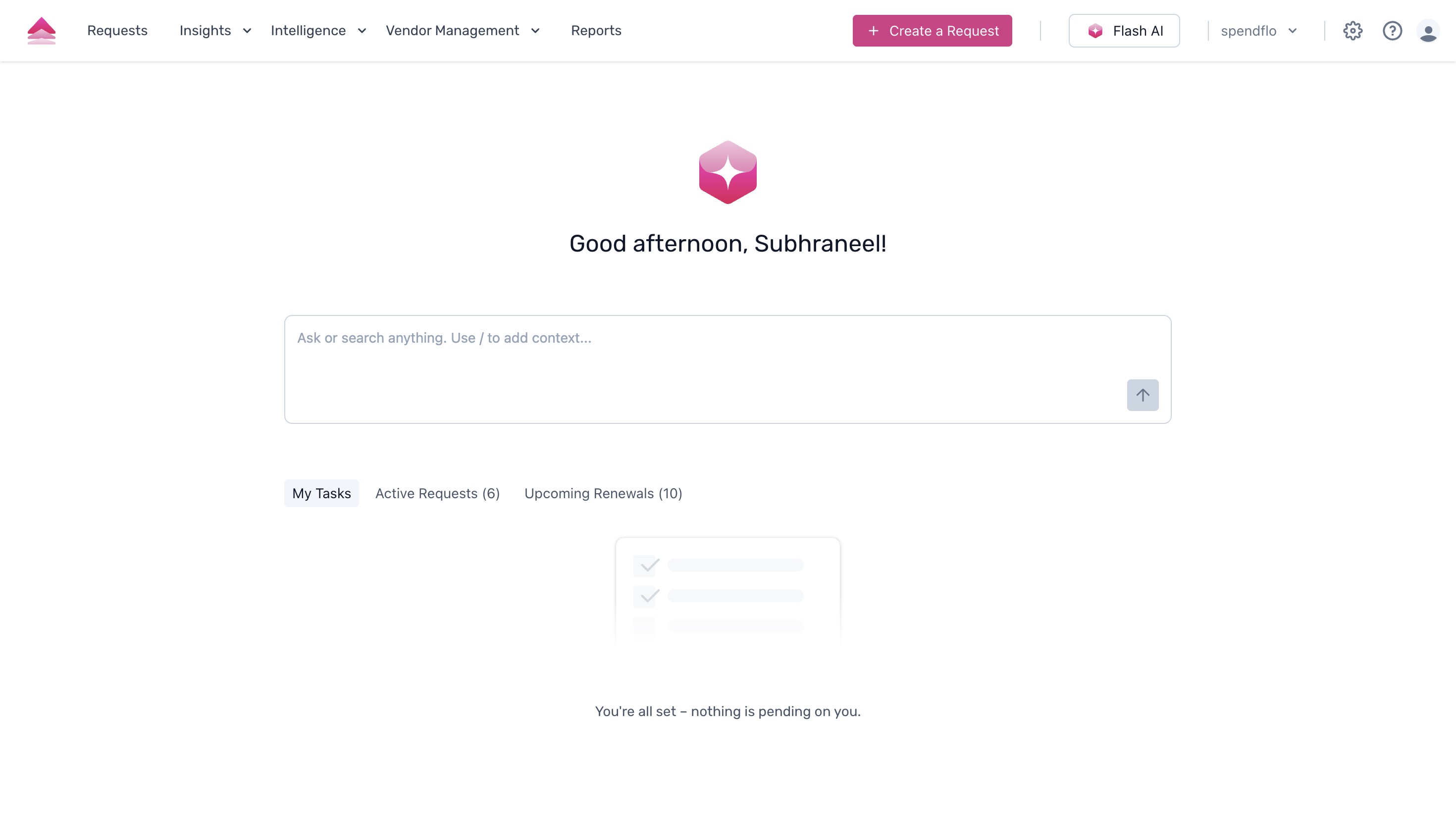
- Navigate to the settings by clicking the gear icon located in the top right corner of your dashboard.
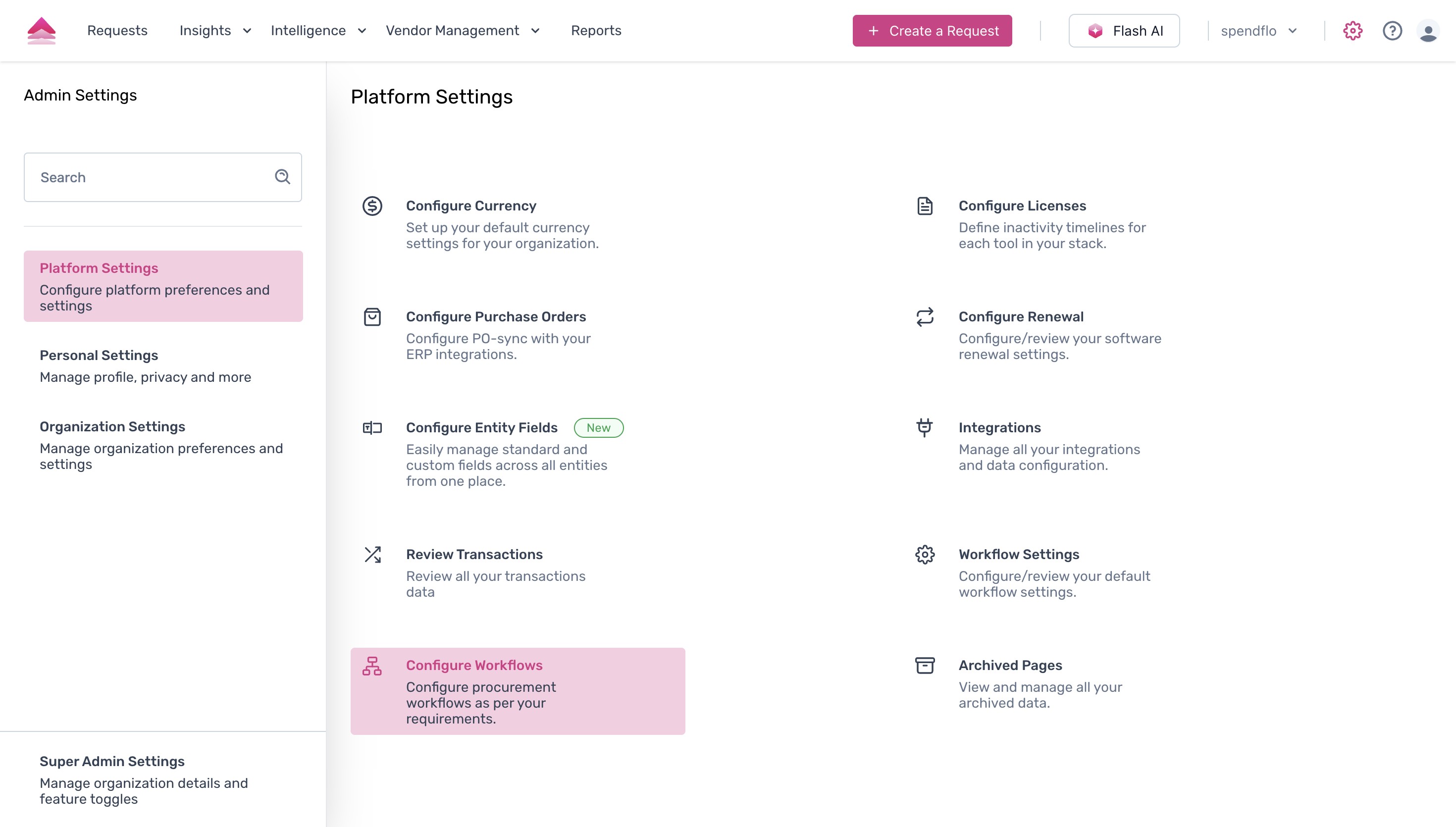
- On the Settings page, locate the 'Platform Settings' section and click on 'Configure Workflows'.
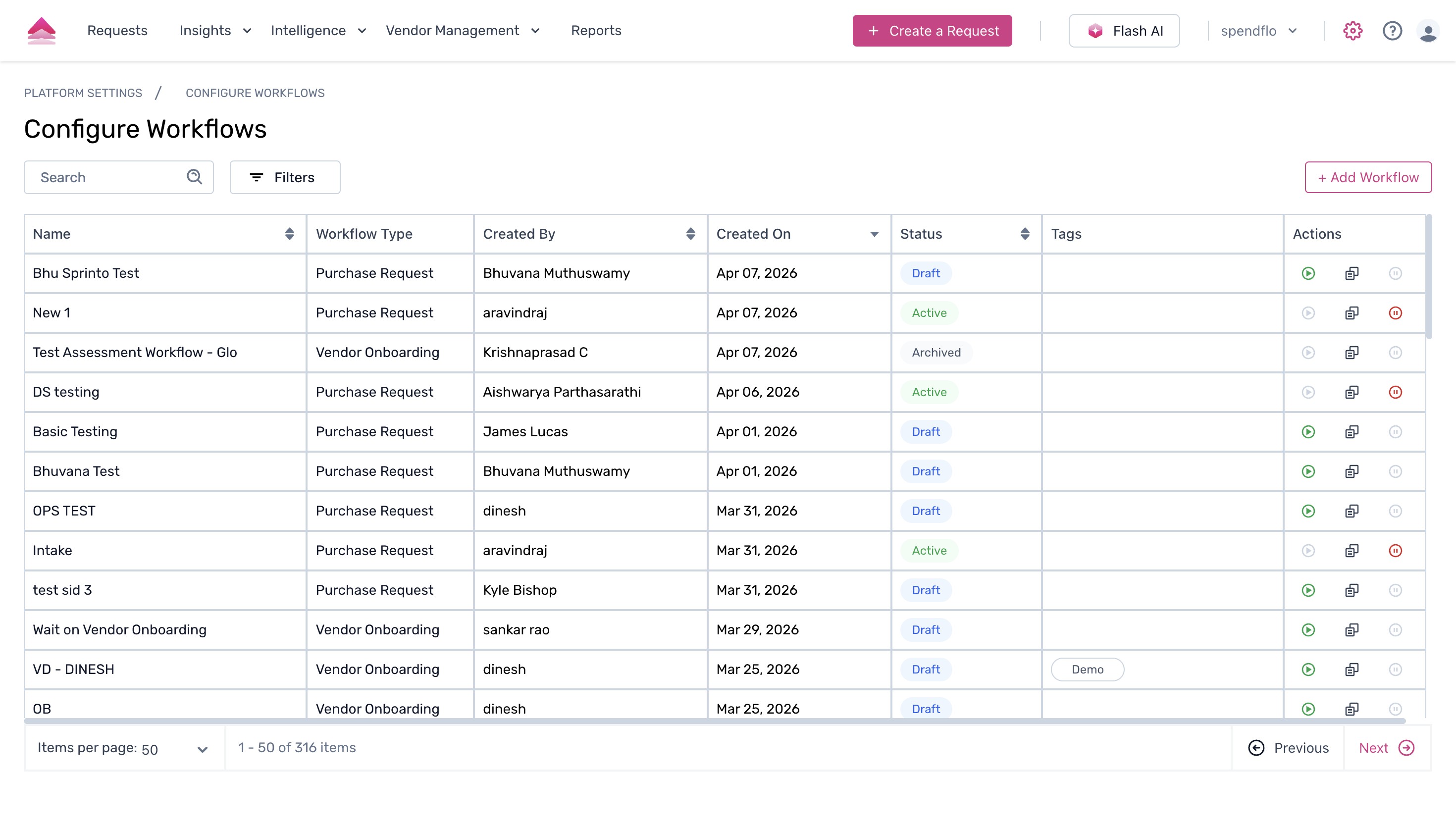
- This will open the Configure Workflows page. To initiate the creation process, click the '+ Add Workflow' button situated in the top right corner.
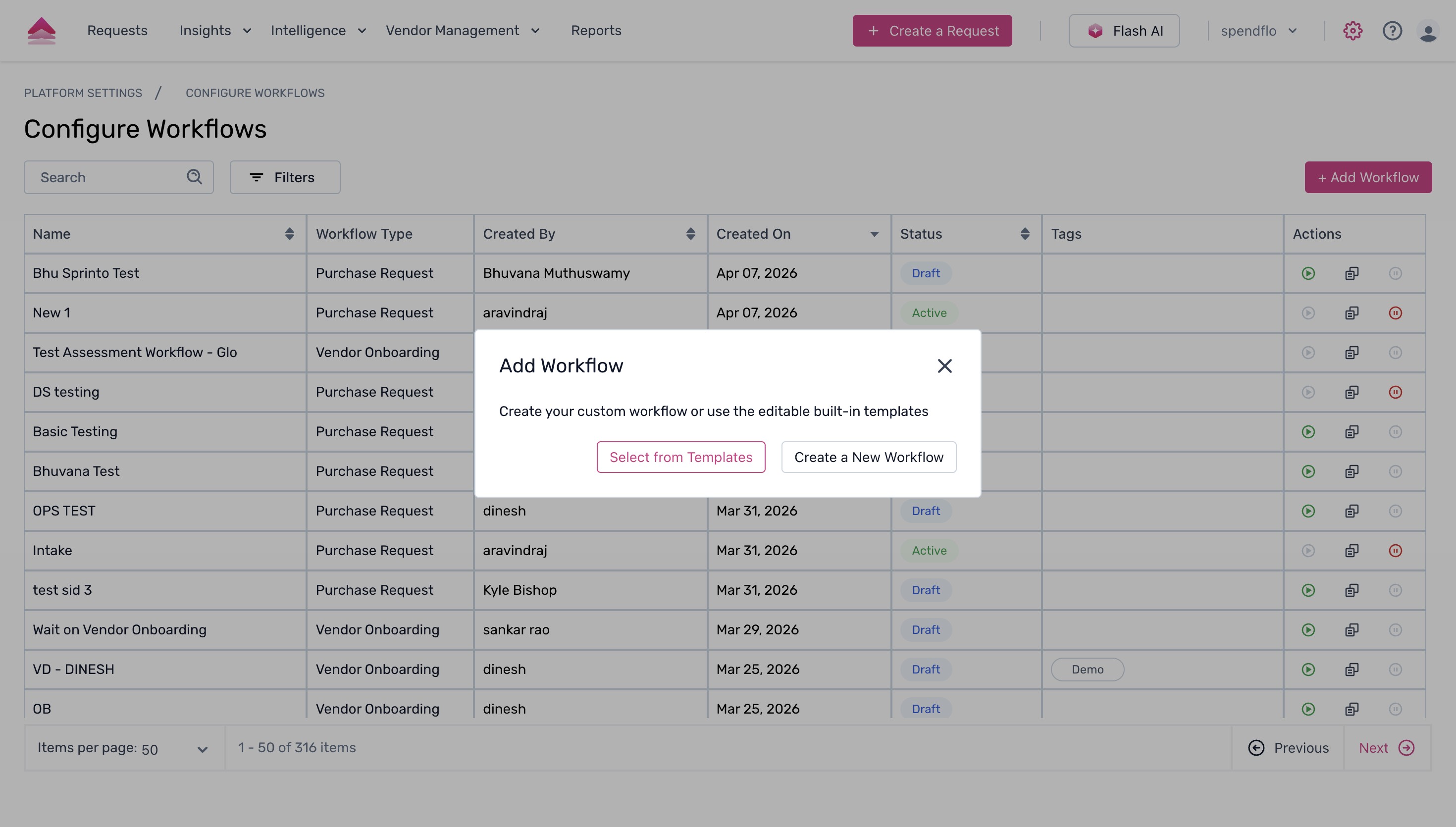
- A dialog box will appear presenting options for creating your workflow. Select 'Select from Templates' to build your workflow using a pre-existing structure.
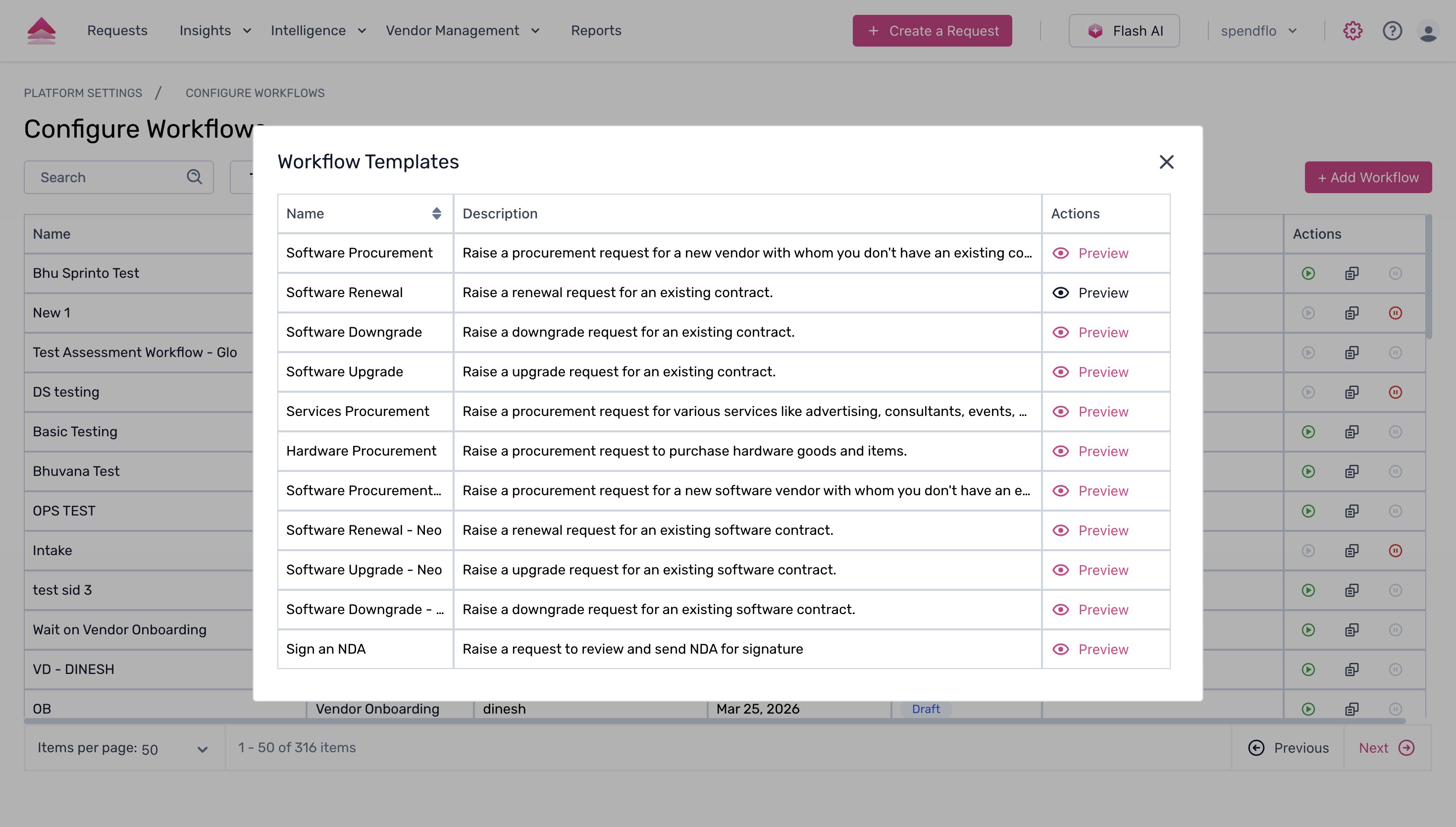
- You will be presented with a list of available Workflow Templates. You can review the structure of any template by clicking the 'Preview' button next to it.
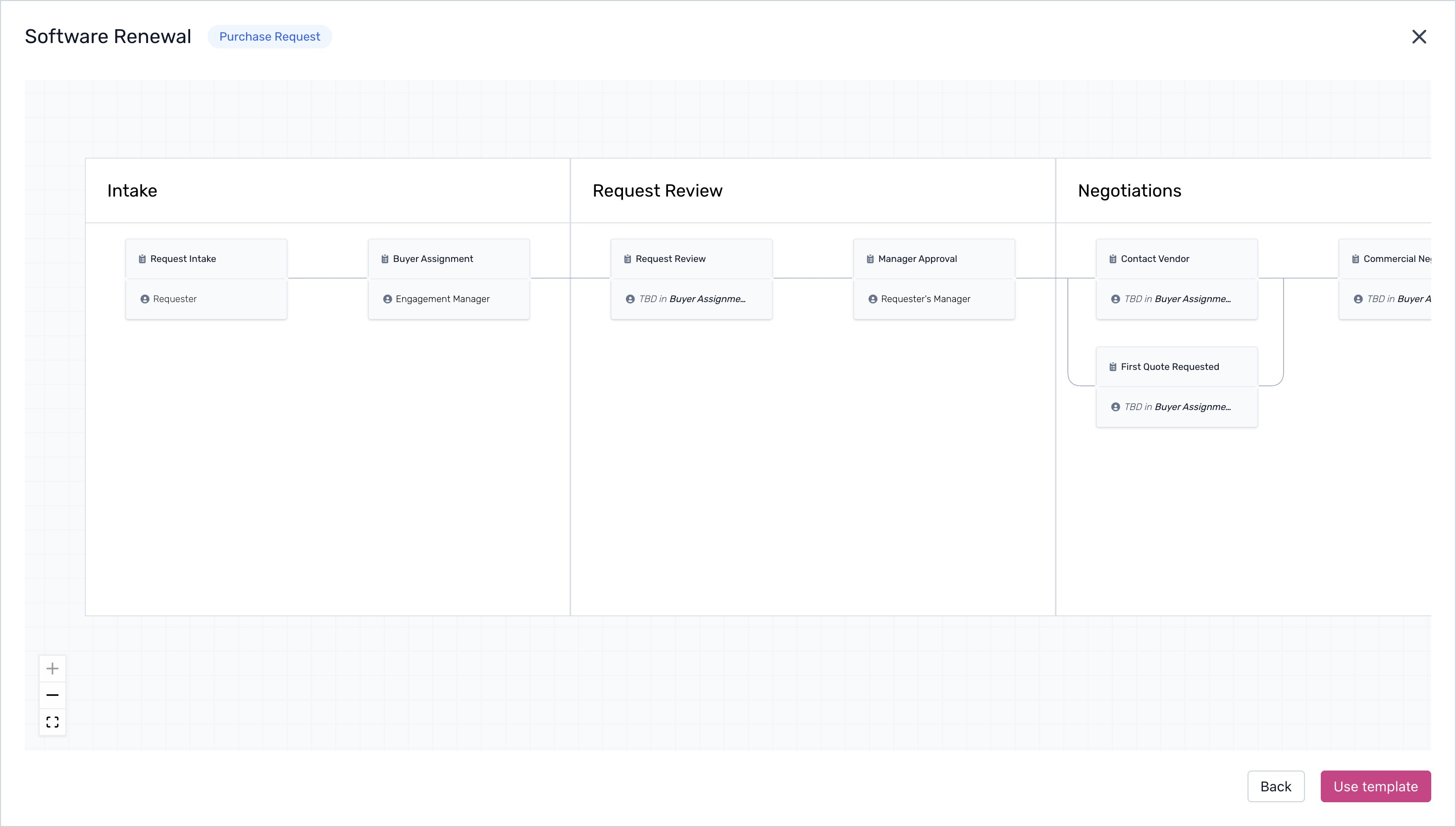
- A visual representation of the selected workflow template will be displayed. If the template meets your requirements, click the 'Use template' button.
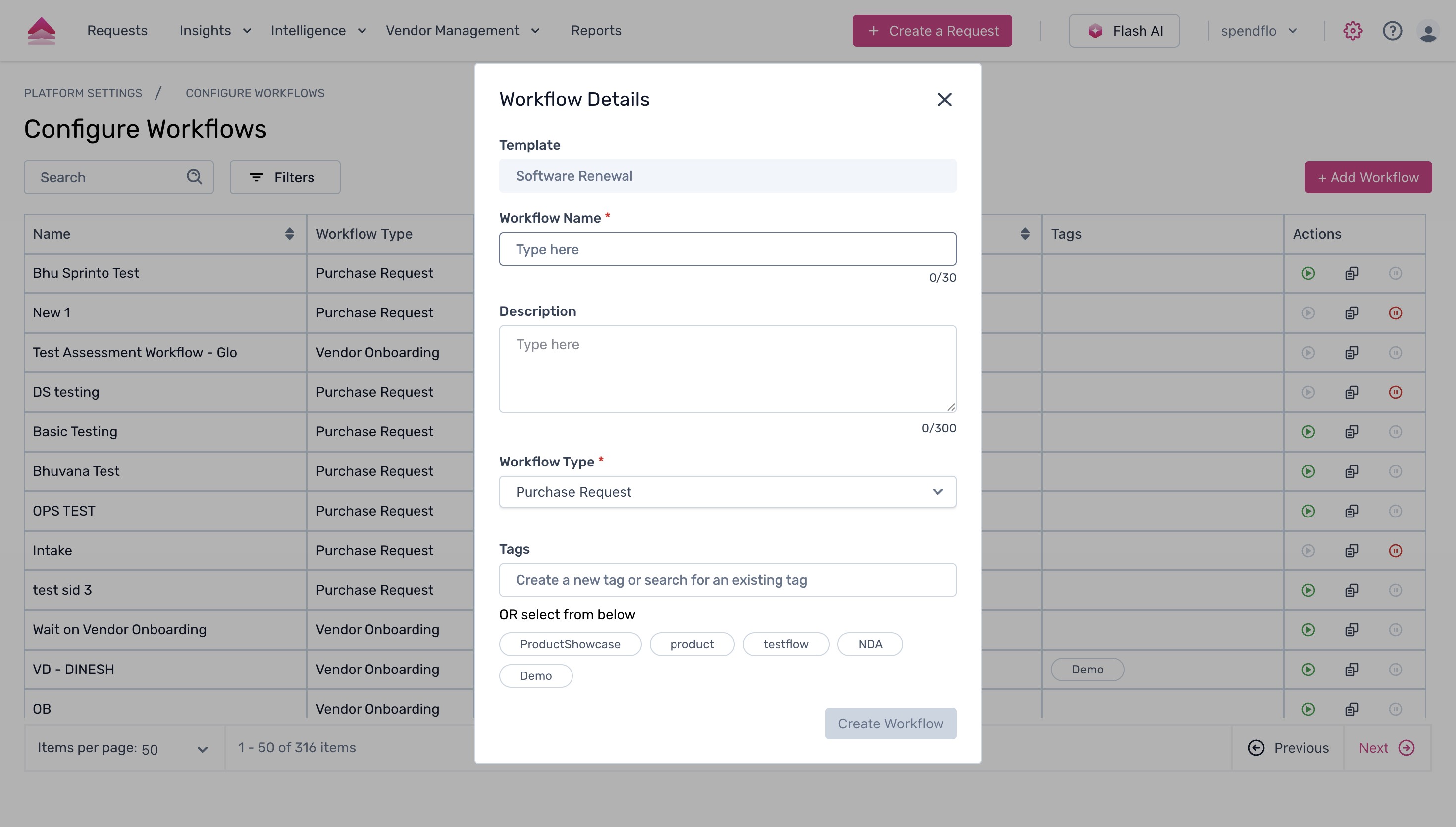
- Next, a 'Workflow Details' form will appear. Enter:
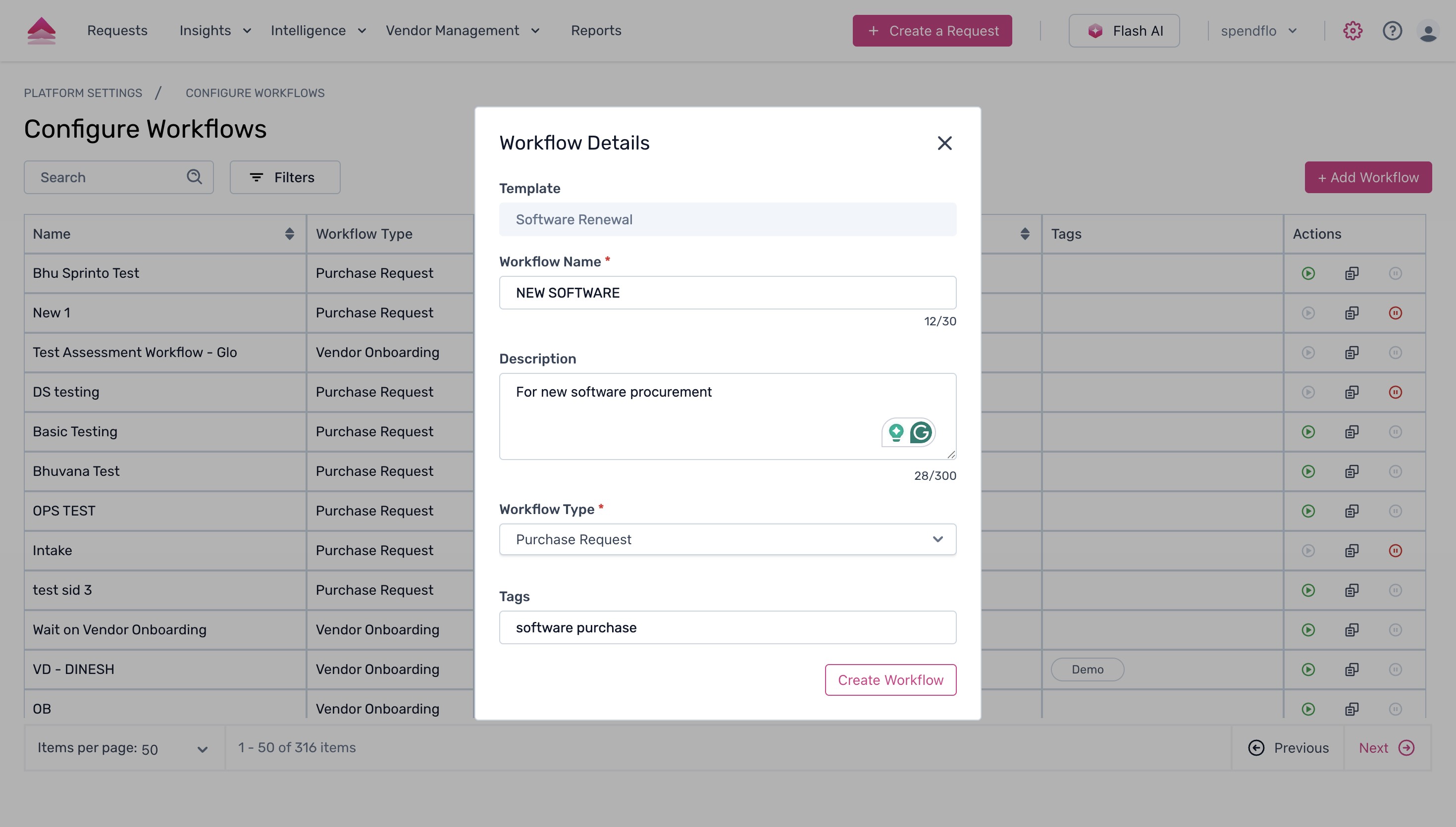
- Workflow Name
- Description (e.g., 'For new software procurement')
- Tags (e.g., 'software purchase')
- Click the 'Create Workflow' button.
- A success message will confirm that your workflow has been created, and you will be taken to the Workflow Studio where you can further customize its phases and tasks.
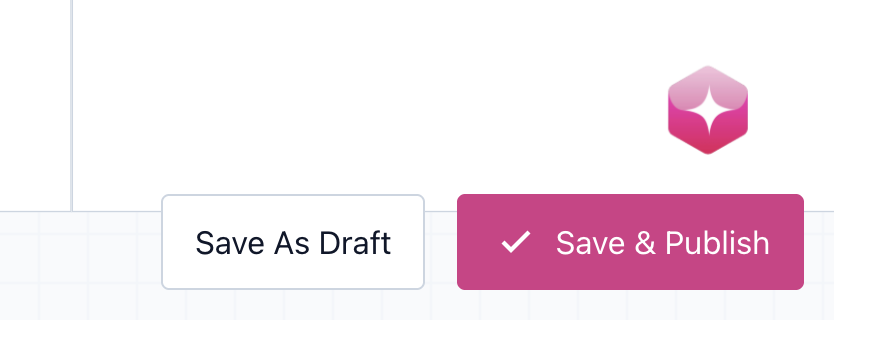
- Click Save and Publishto publish your workflow.
Next Steps
Now that your workflow is created, you can customize tasks, add conditions, and manage phases within the Workflow Studio. For more information, explore our guide on how to create and manage workflows.
Was this article helpful?
That’s Great!
Thank you for your feedback
Sorry! We couldn't be helpful
Thank you for your feedback
Feedback sent
We appreciate your effort and will try to fix the article