Overview
Spendflo seamlessly integrates with Jira, offering you a comprehensive view of license usage, empowering you with de-provisioning features, and facilitating savings from inactive licenses—all conveniently within the Spendflo app. This integration streamlines your Jira experience, eliminating the need to switch between various instances. With Spendflo, you can exercise complete control over your Jira and other app environments, all from a single, unified platform.
Pre-requisites
- Administration role is required for Jira integration.
- The integration will only work on Standard and Premium plans.
- Please install the Atlassian Integration before connecting Jira. The steps to install Atlassian can be found here.
Features
- Reclaim unused licenses of Jira from within Spendflo.
- Create a Jira ticket from Spendflo using workflows.
Here are the steps to install Jira integration:
- Navigate to the Settings page by clicking the gear icon located in the top right corner of the dashboard.
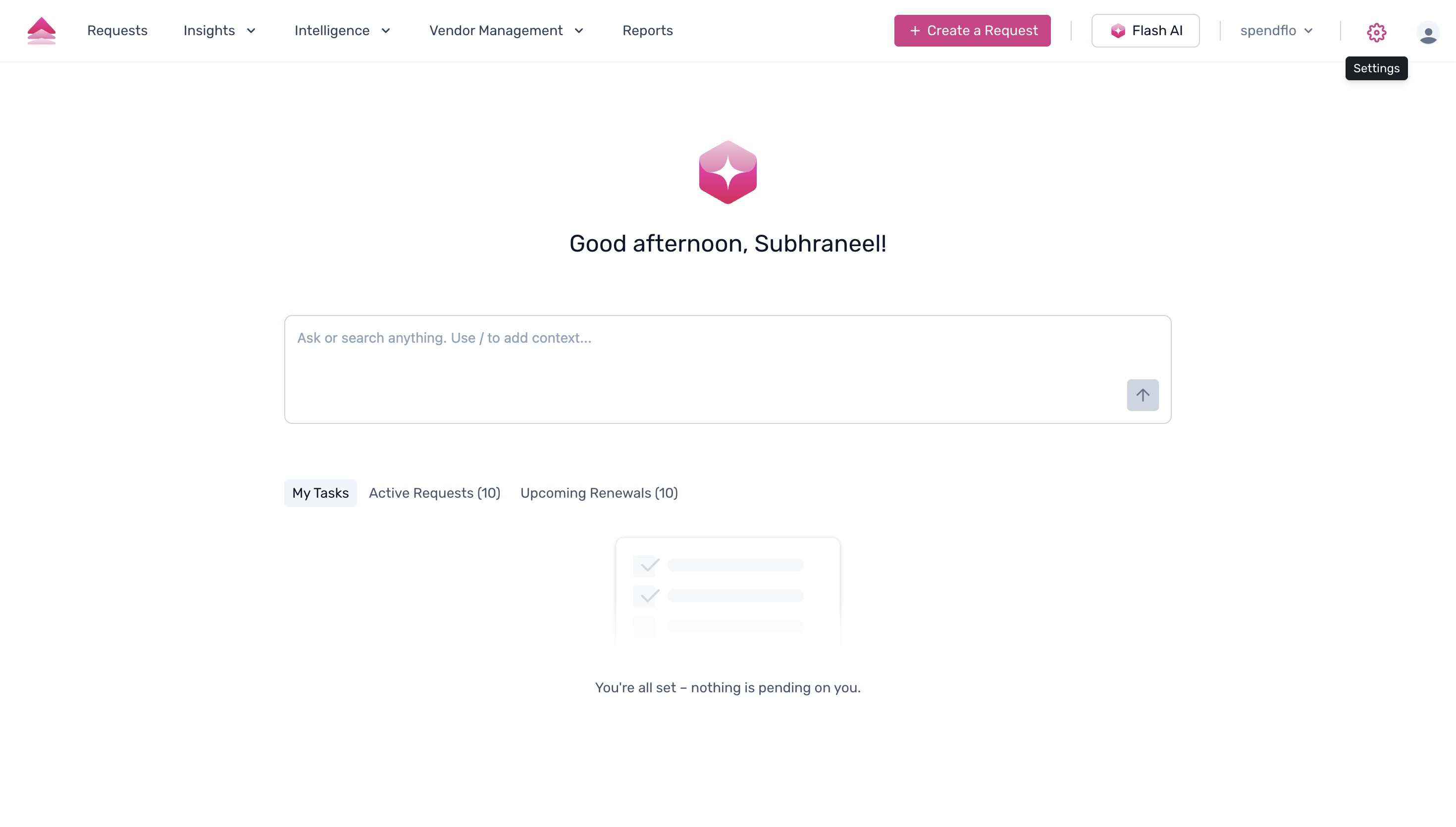
- On the Settings page, locate the Platform Settings section and click on Integrations to manage your connected tools and data configurations.
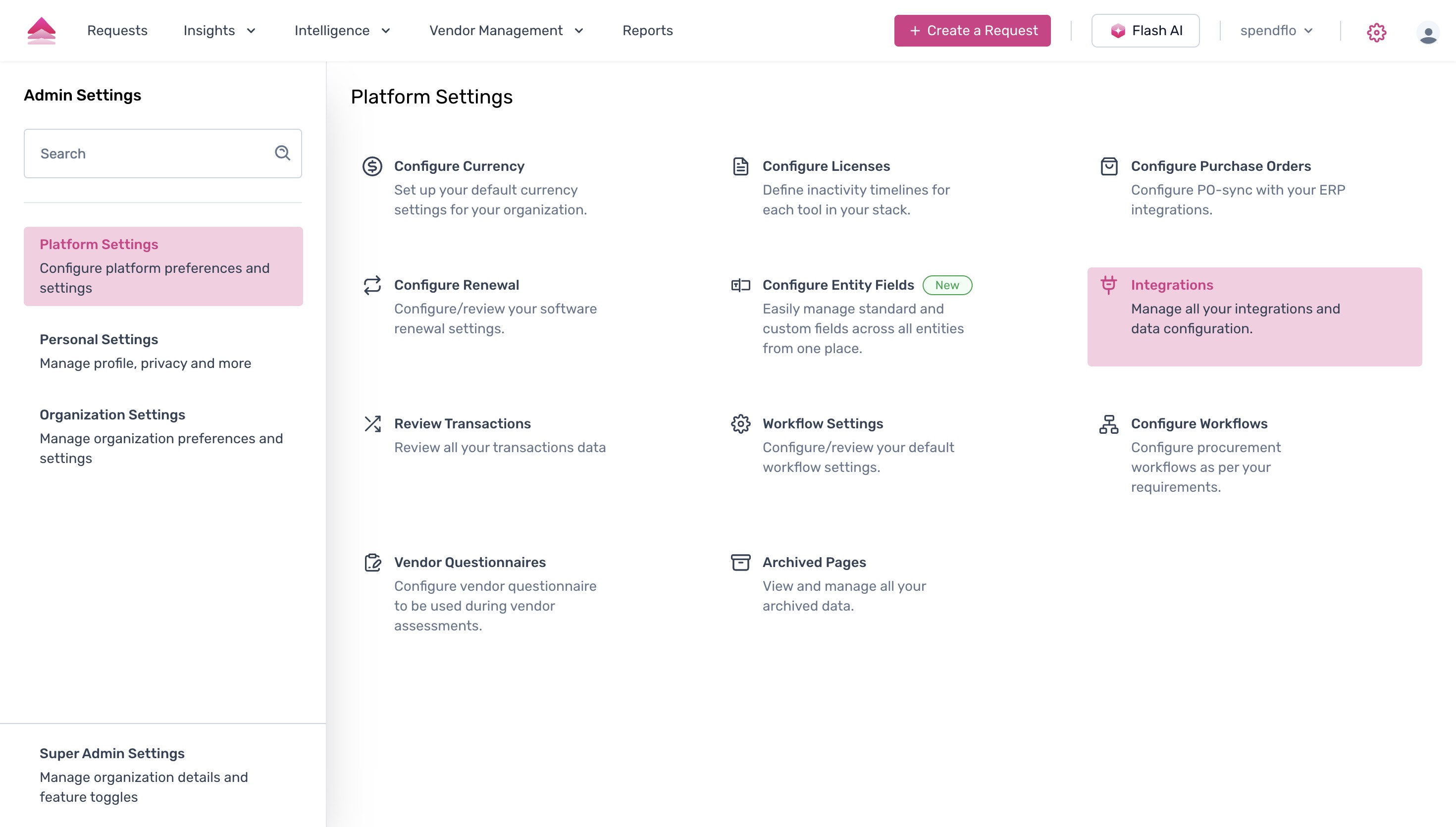
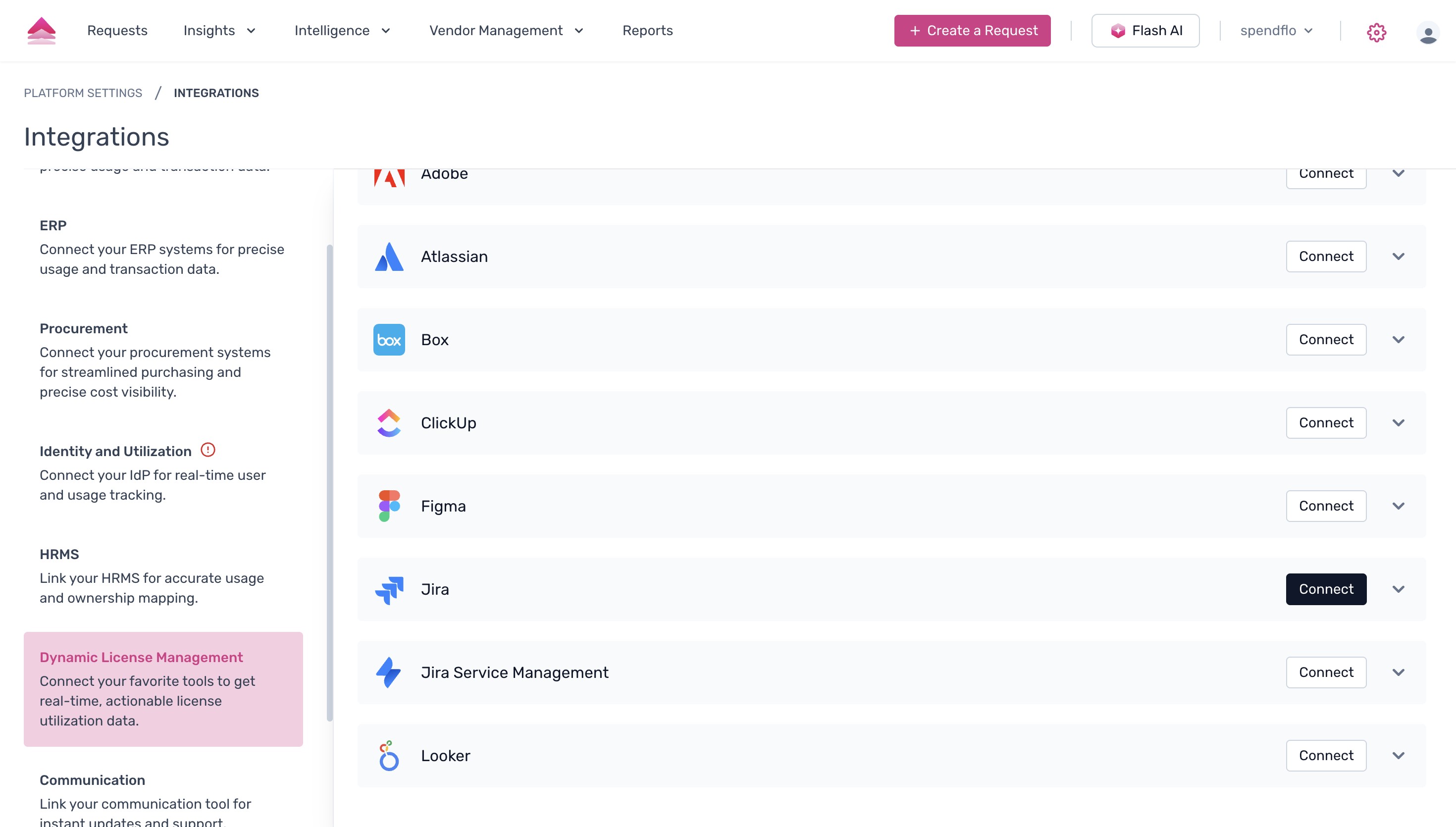
- Within the Integrations menu, select Dynamic License Management from the left-hand sidebar to view the list of available tools for license utilization tracking.

- Scroll through the list of applications until you find Jira, then click the Connect button next to it to initiate the integration process.
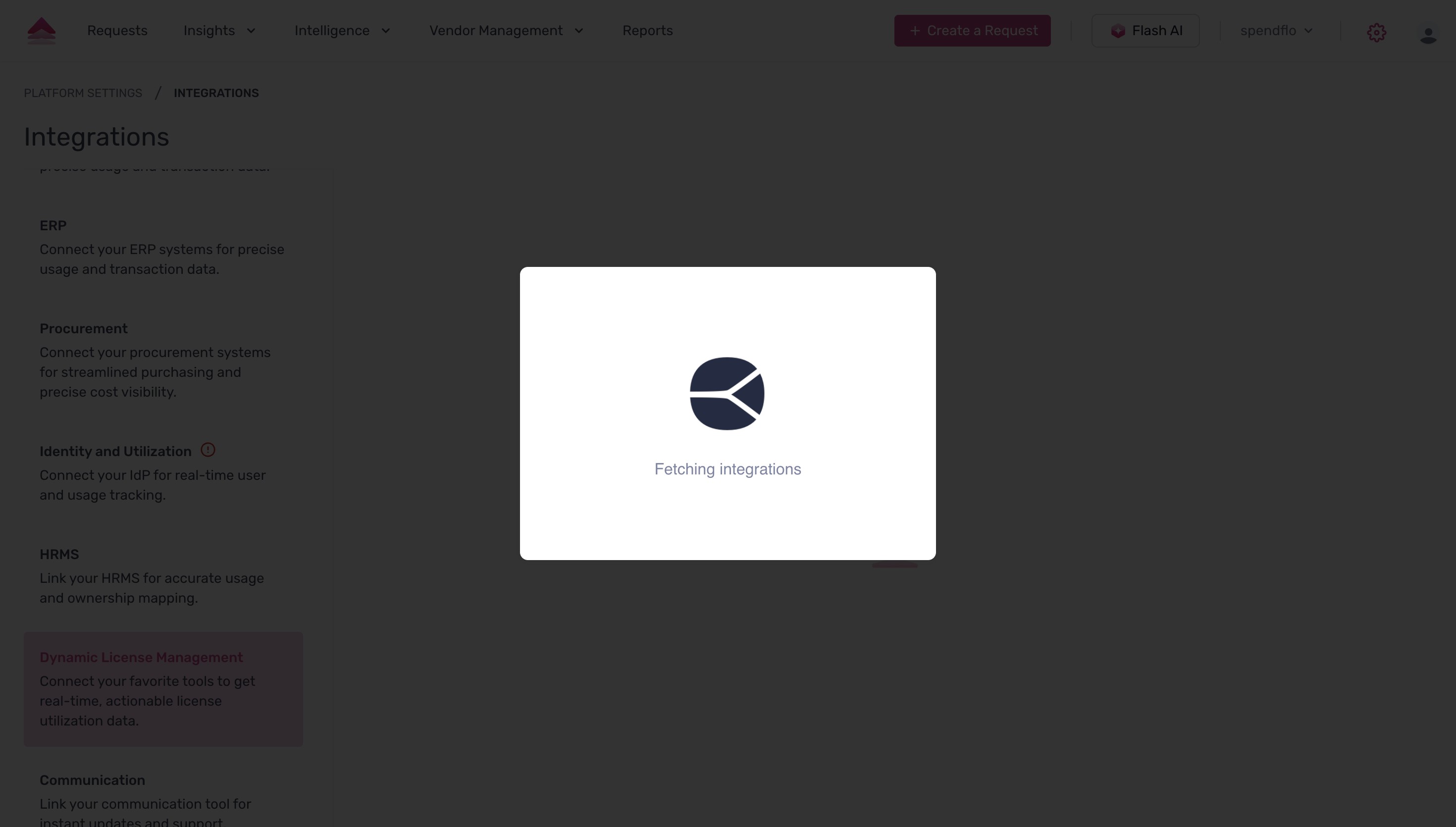
- A loading modal will briefly appear on the screen indicating that the integration details are being fetched.
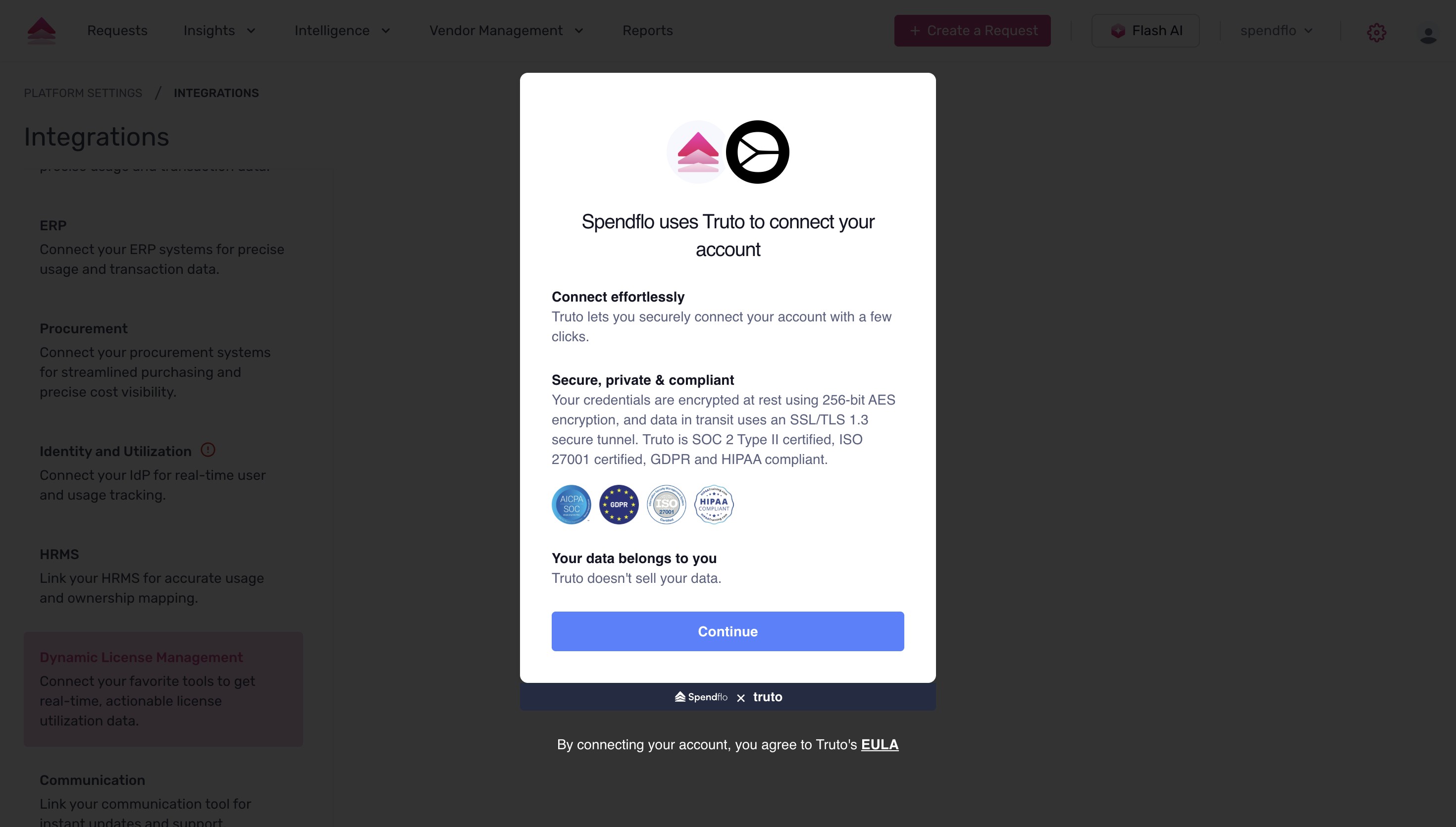
- Finally, a secure connection prompt powered by Truto will be displayed. Review the security details and click Continue to proceed with authenticating and linking your Jira account.
Important Note:
- Reclaim of a user from Jira alone requires Jira integration on top of Atlassian integration. Connecting only Atlassian and then reclaiming from Atlassian will remove the user across all the Atlassian products.
Was this article helpful?
That’s Great!
Thank you for your feedback
Sorry! We couldn't be helpful
Thank you for your feedback
Feedback sent
We appreciate your effort and will try to fix the article