Overview
Spendflo’s integration with Docusign revolutionizes the management of your electronic signature licenses by consolidating all your licensing information in one central location. Through a seamless connection with Docusign, Spendflo provides direct access to license details, usage data, and actionable insights, all within the Spendflo platform. This integration empowers you to optimize both your Docusign license management and electronic signature workflows effortlessly.
Pre-requisites
- Docusign Administrator Role: To establish and manage the integration, users must have Docusign administrator privileges.
- Spendflo Admin Access: You must have admin access to the Spendflo platform to configure integrations.
Features
- Real-time Utilization Data: Get actionable license utilization data to identify inactive users.
- License Optimization: Reclaim and downgrade inactive licenses in a single click within Spendflo.
- Workflow Automation: Create and send signature envelopes directly from Spendflo using native workflow orchestration.
Here are the steps to install the Docusign integration:
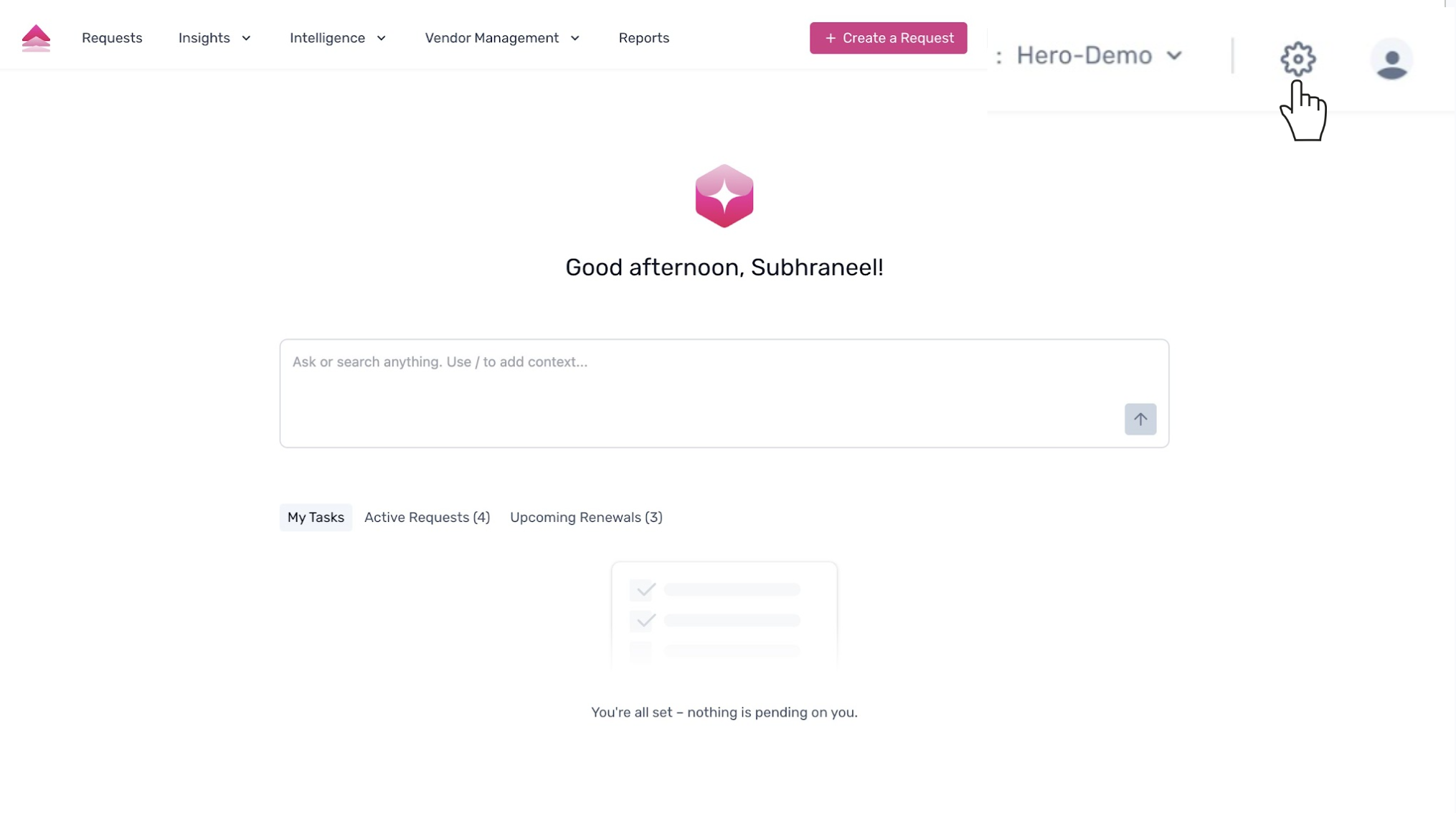
To begin, navigate to the settings page by clicking the gear icon located in the top-right corner of the navigation bar.
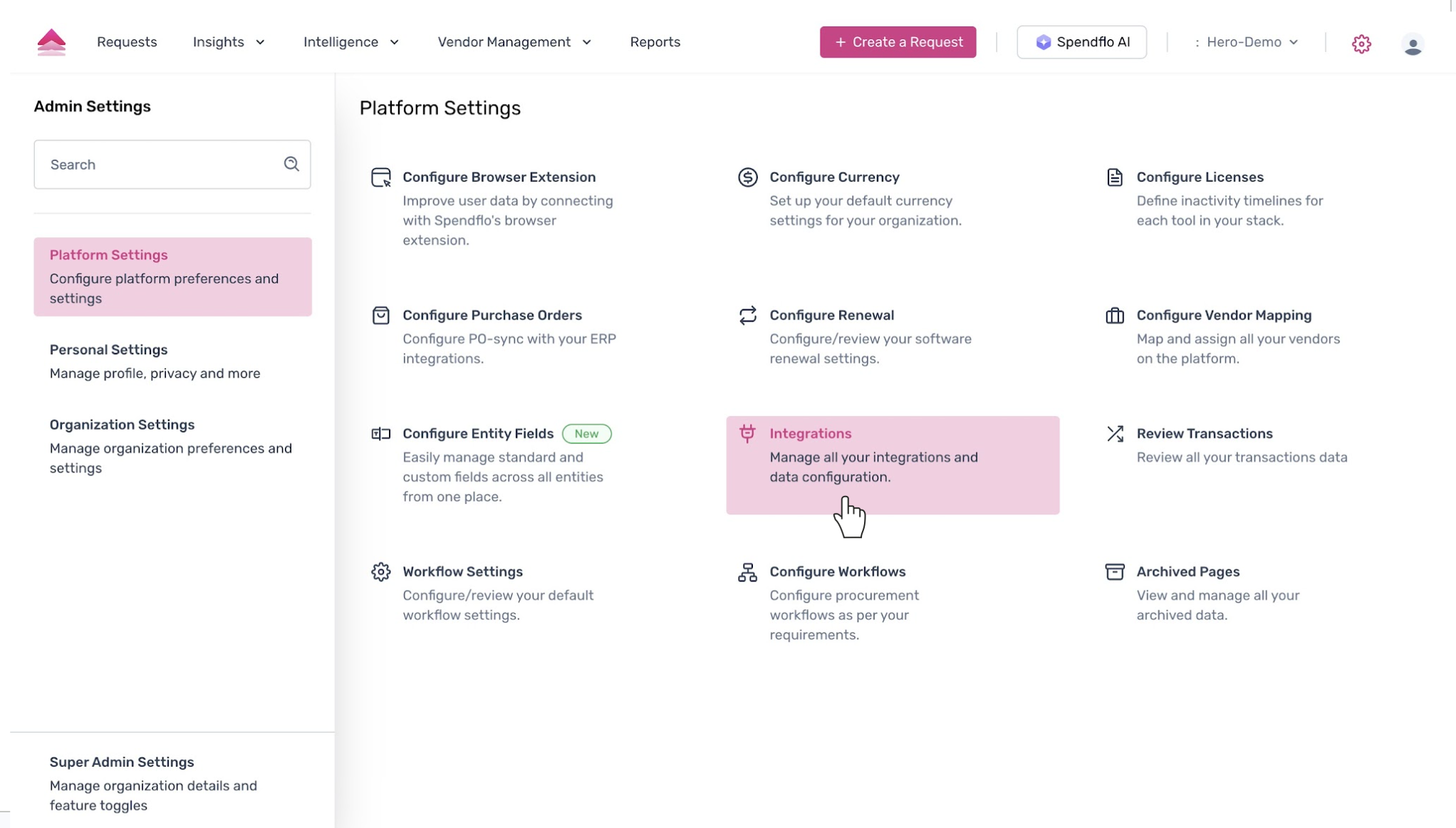
You will be directed to the 'Platform Settings' page. Select the 'Integrations' option to manage all your application integrations and data configurations.
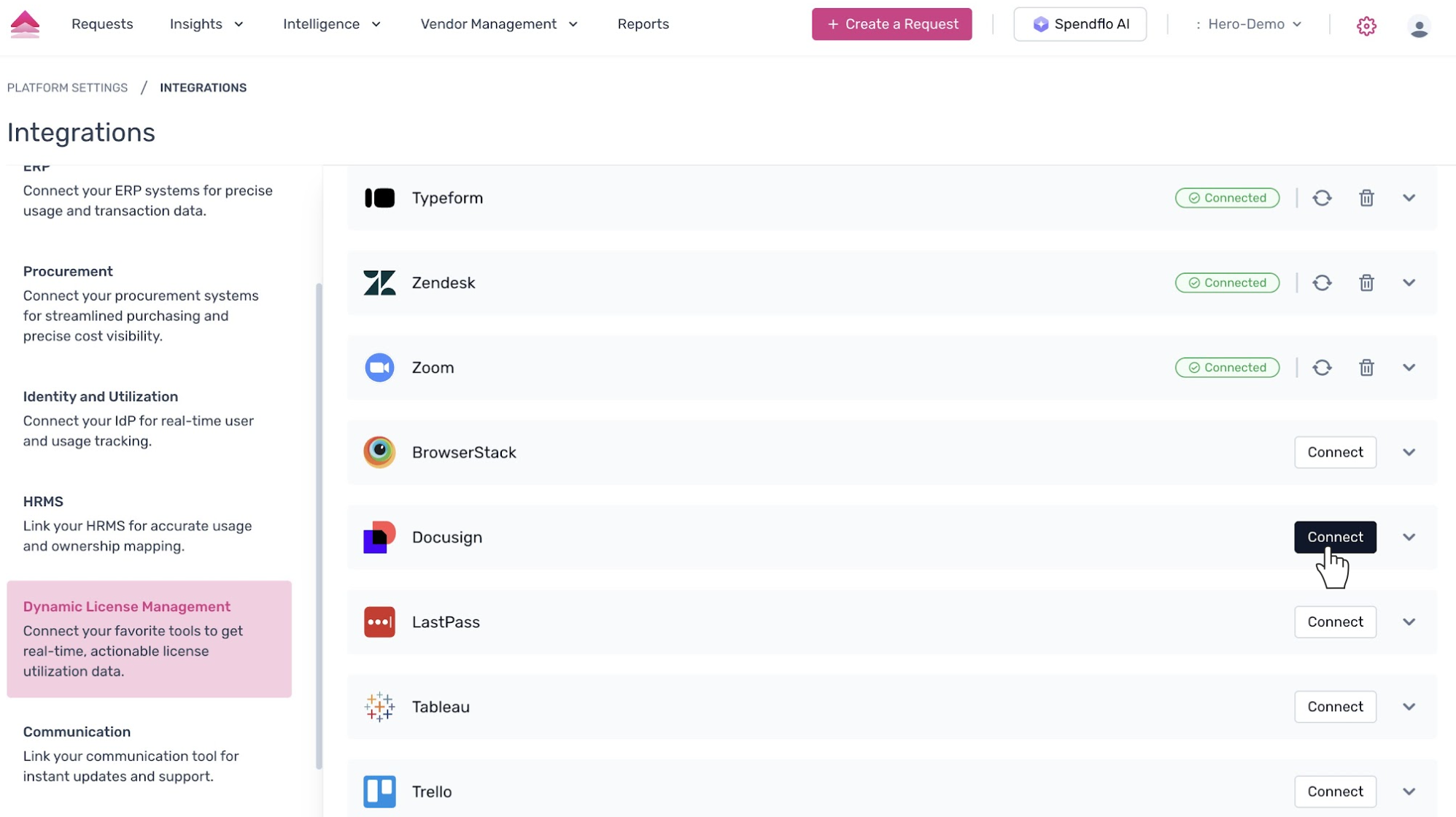
This opens the 'Integrations' page. From the left-hand menu, select the 'Dynamic License Management' category to filter for tools that provide real-time license utilization data. Scroll through the list of available integrations to find Docusign. Click the 'Connect' button next to the application to initiate the integration process.
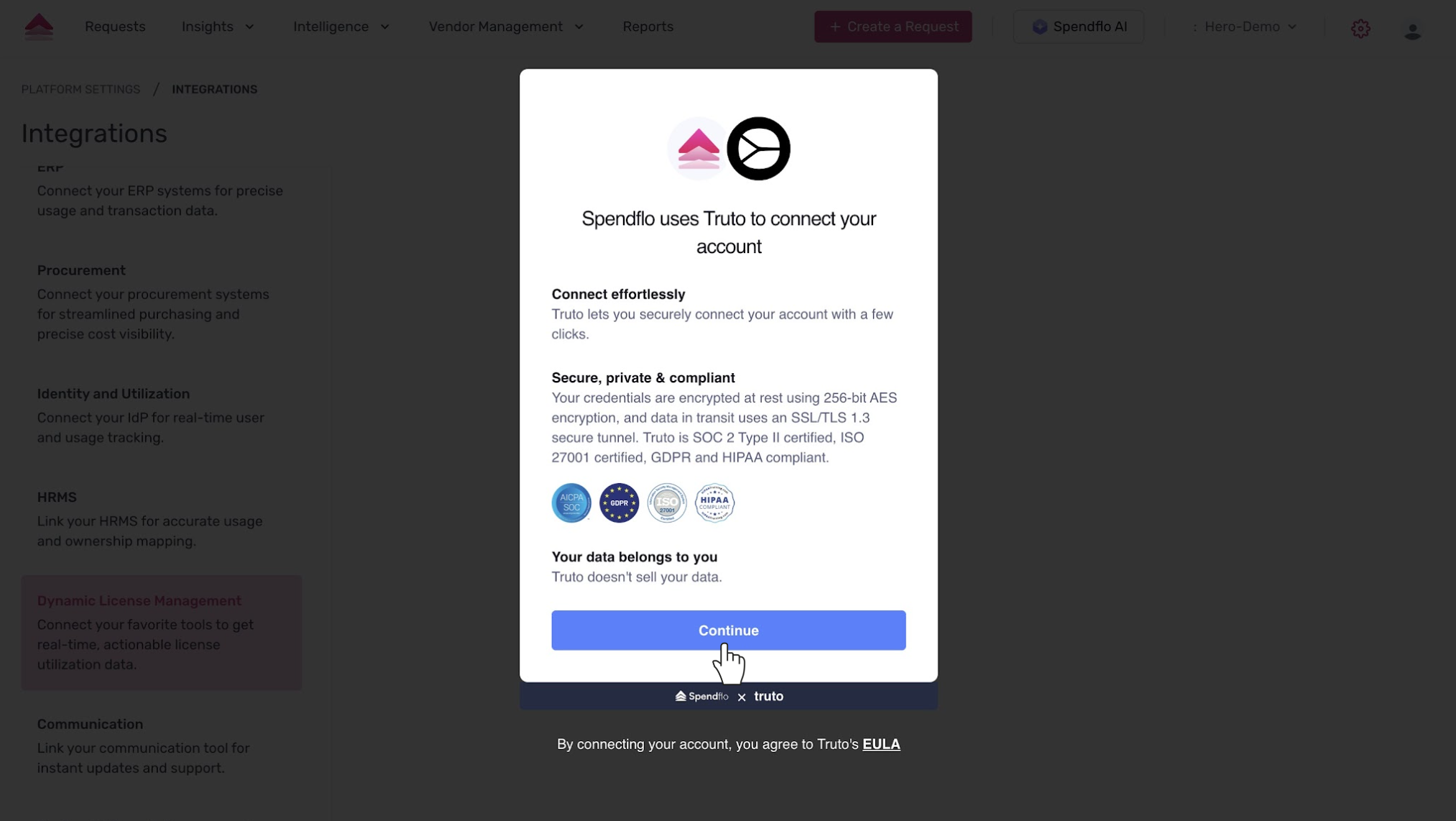
A pop-up modal will appear explaining that Spendflo uses a third-party service, Truto, to securely connect your account. Click 'Continue' to proceed with the authentication and grant the necessary permissions.
Next Steps
Once the integration is successfully connected, your Docusign license data will begin syncing with Spendflo. You can now navigate to the Licenses page to view detailed usage reports and identify opportunities for cost optimization.
Was this article helpful?
That’s Great!
Thank you for your feedback
Sorry! We couldn't be helpful
Thank you for your feedback
Feedback sent
We appreciate your effort and will try to fix the article